

Pay by Link & Pay After Confirmation screenshots
Real screenshots from our CS-Cart and Multi-Vendor test stores with the add-on installed and the English interface.
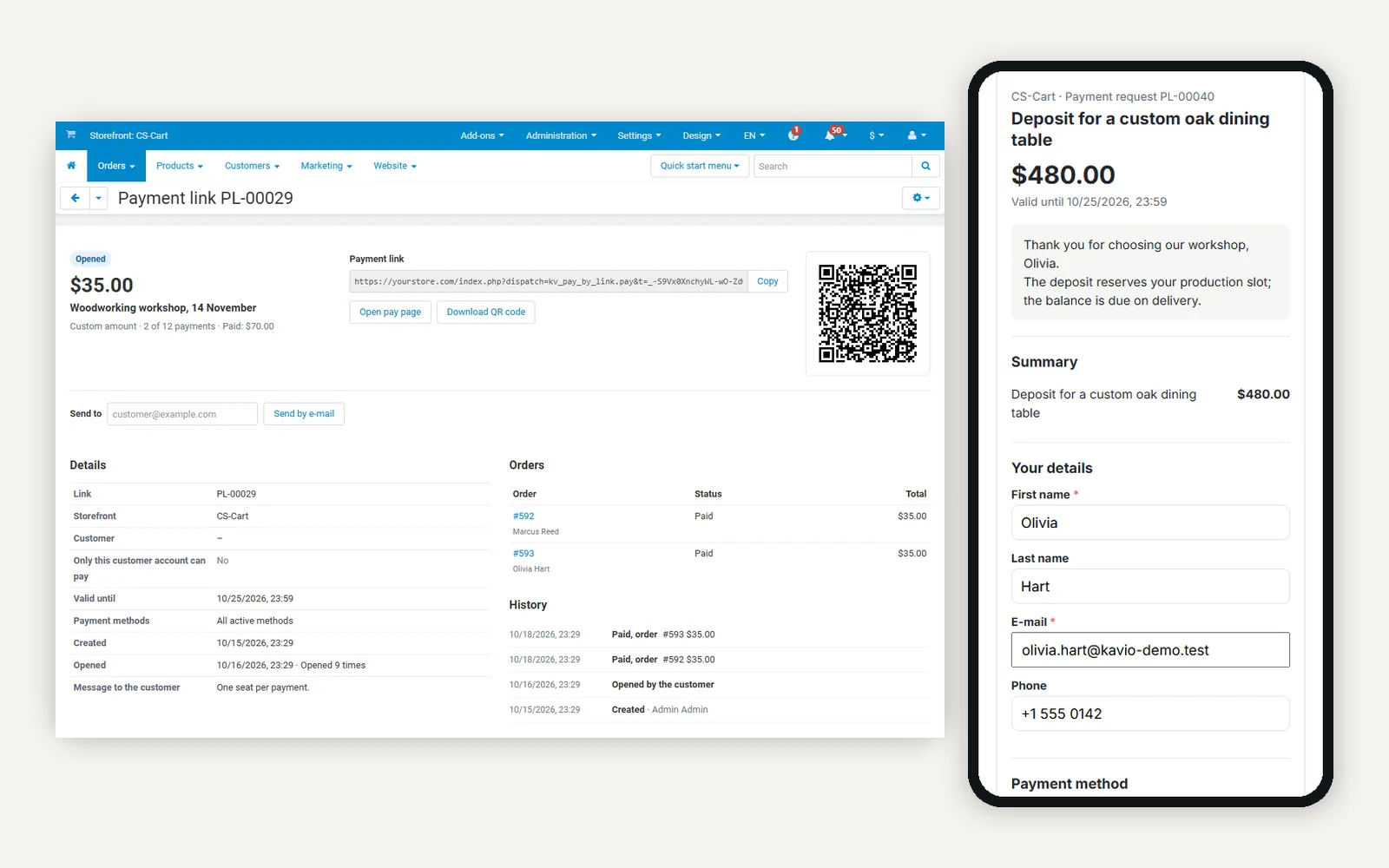
Payment link in the admin panel (URL, QR code, orders, history) with the pay page on a phone.
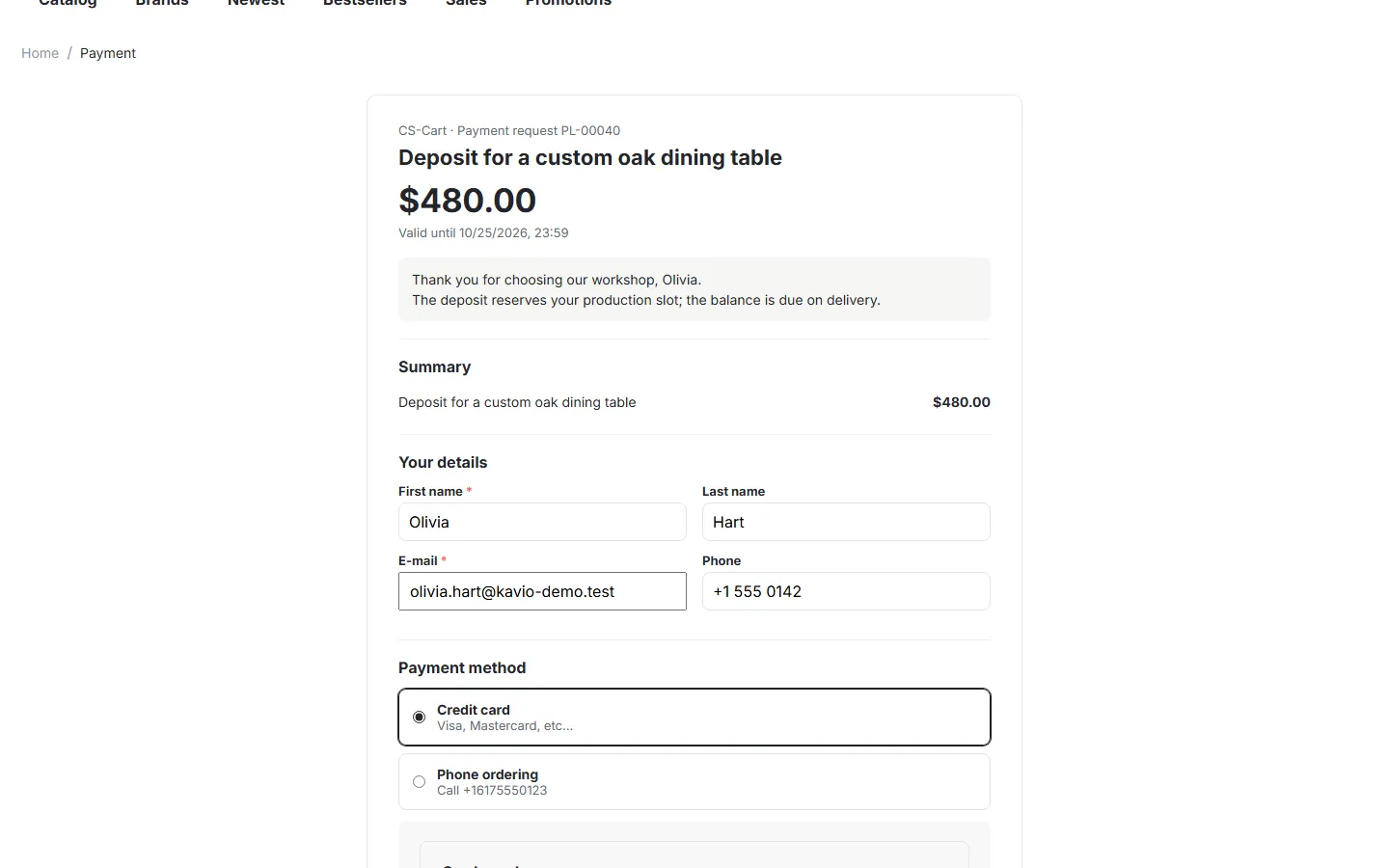
Storefront pay page (Nova): custom amount with message, summary, contact fields and payment methods.
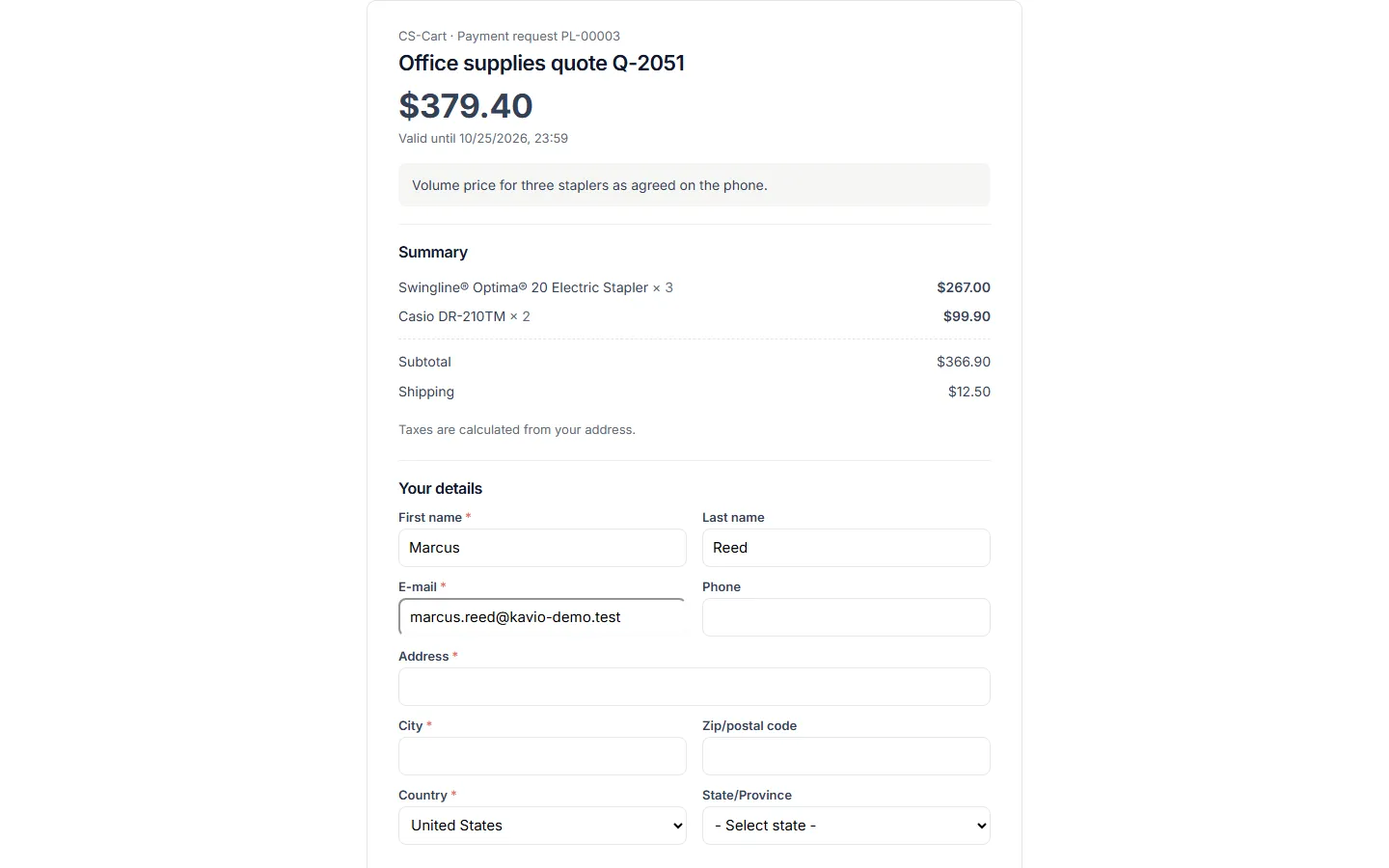
Pay page of a product cart link: lines with fixed and store prices, shipping charge, address fields.
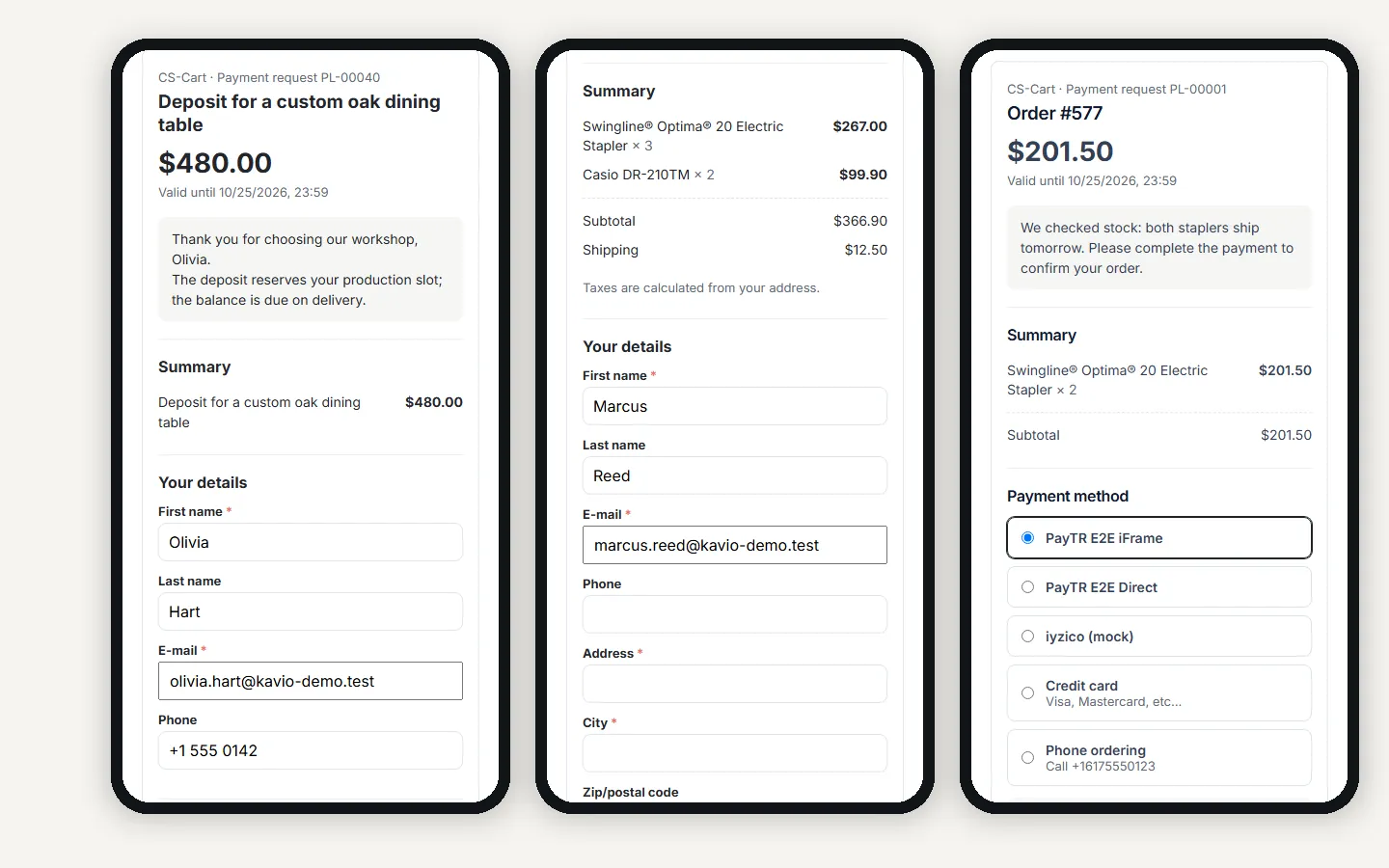
Pay pages on phones: custom amount, product cart, existing order.
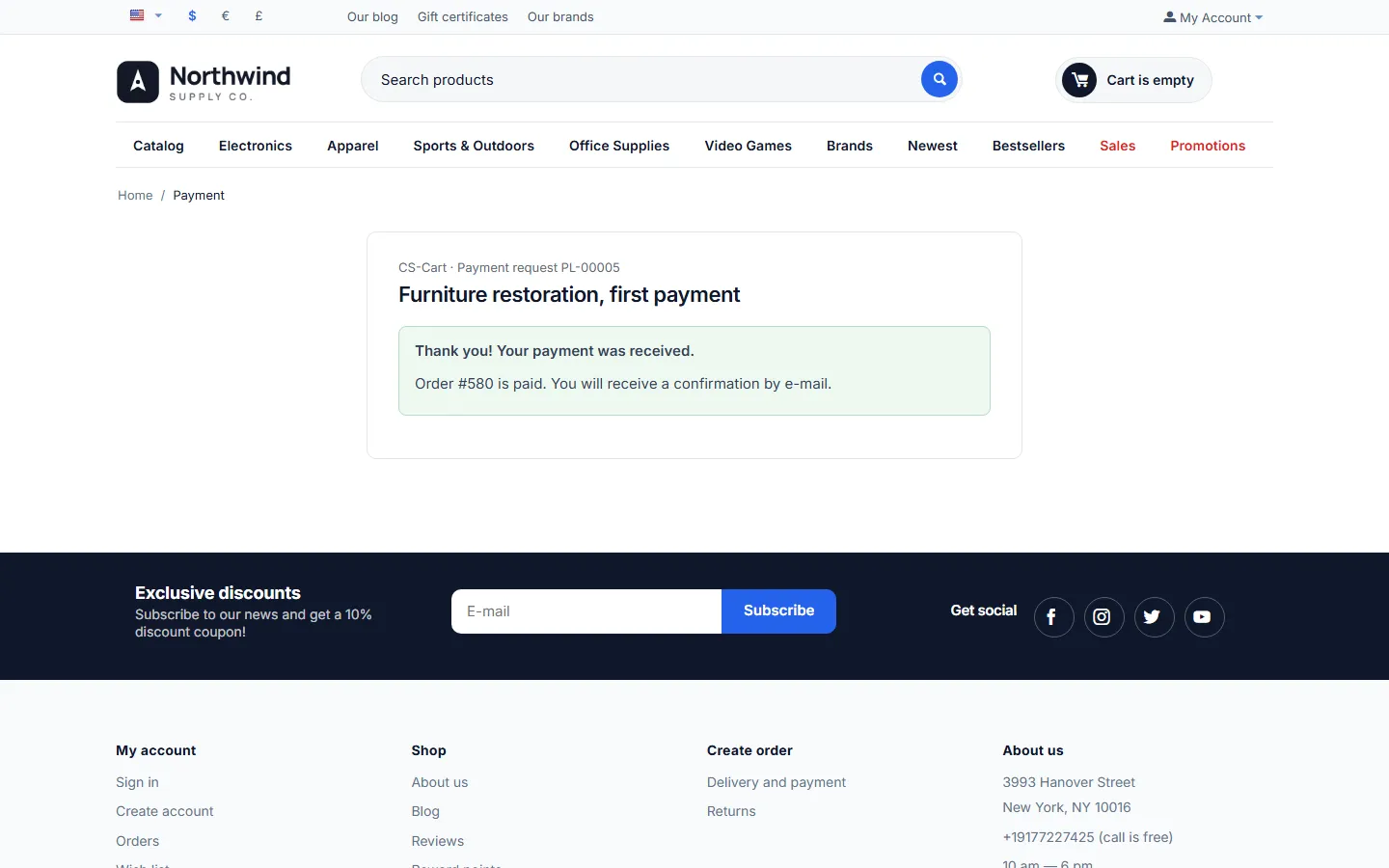
Result after the payment: “Thank you! Your payment was received.”
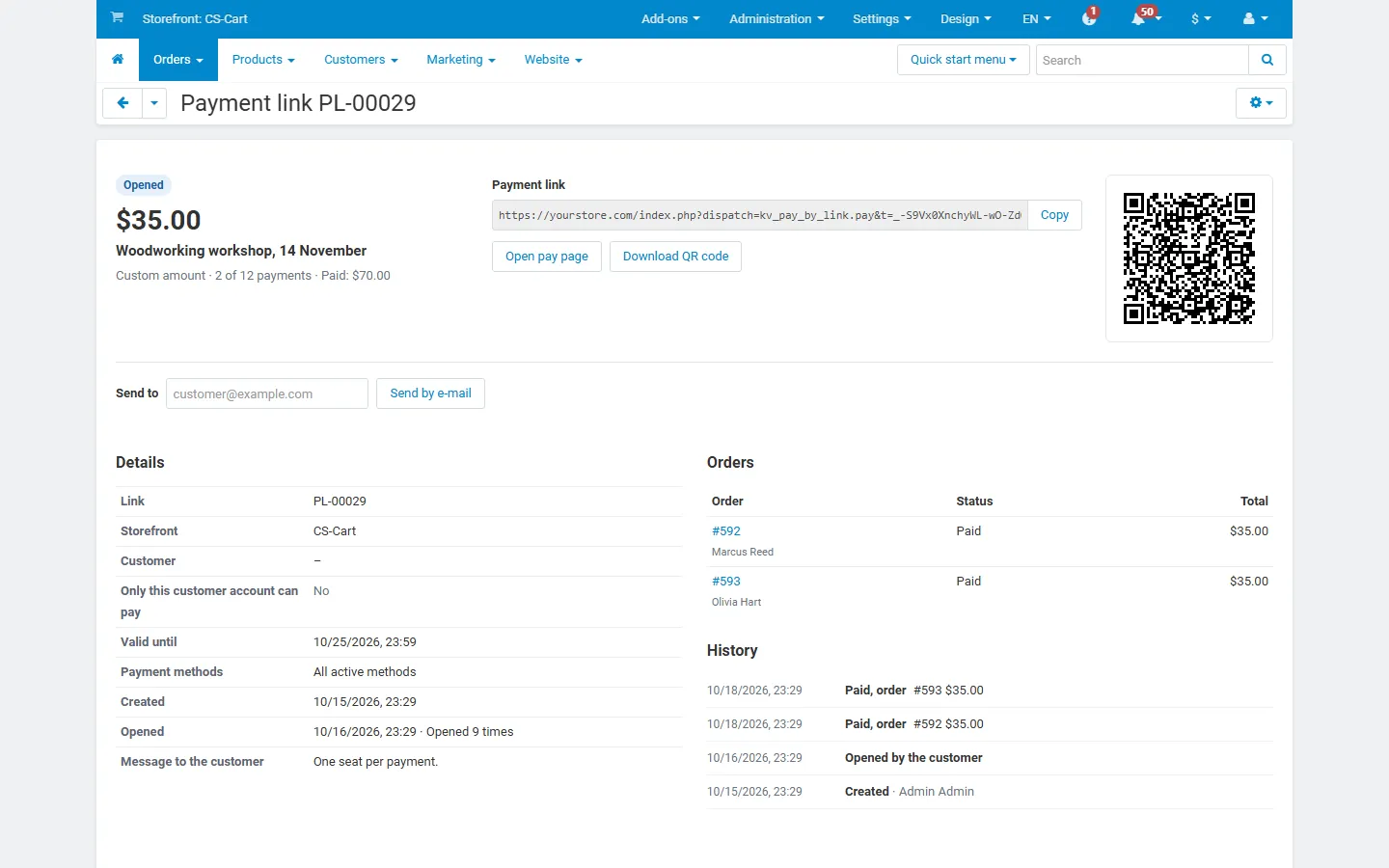
Link page: status, amount, URL with copy, QR code, send by e-mail, details, orders and history.
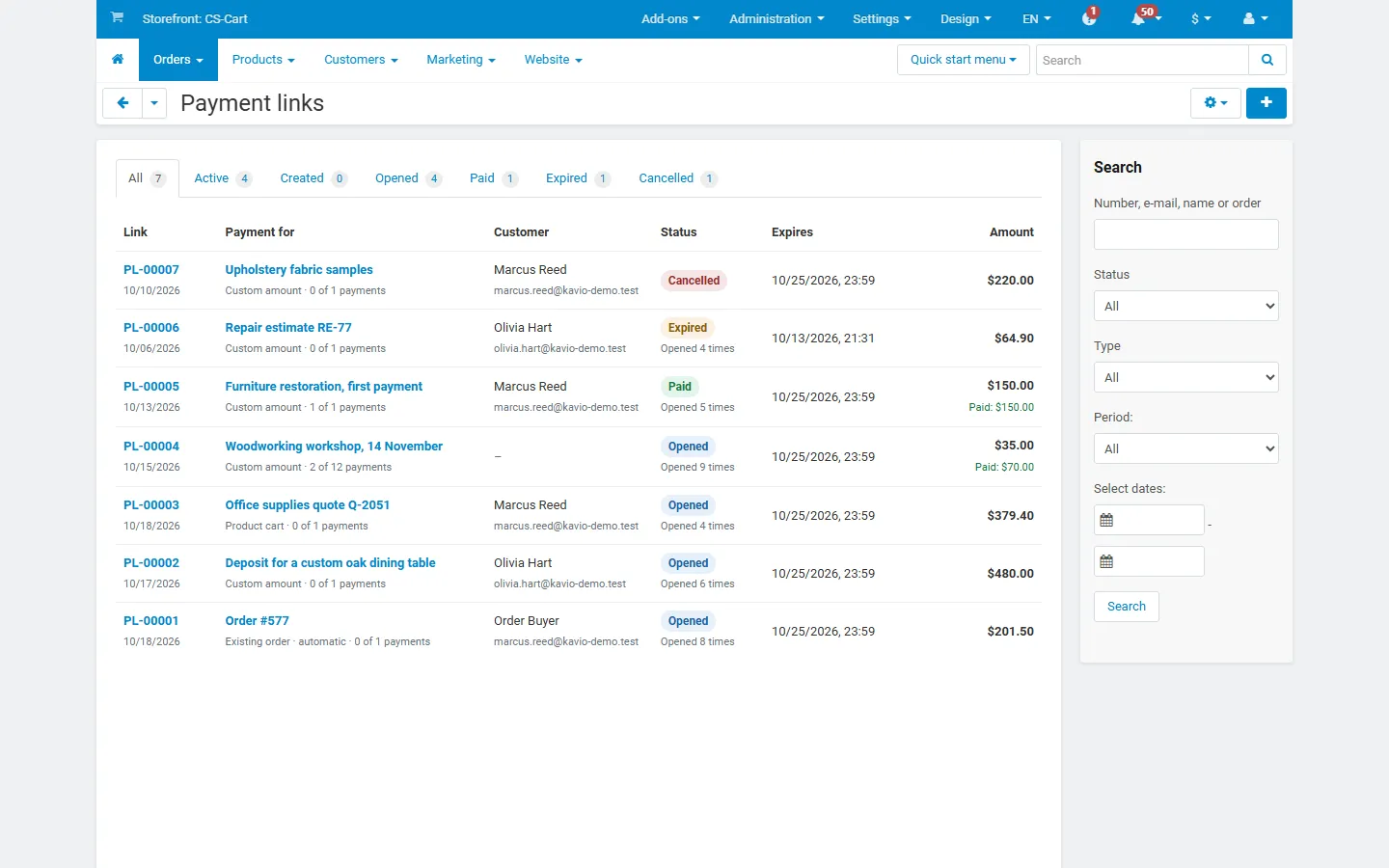
Orders > Payment links: status tabs with counts, search and filters, amounts and paid totals.
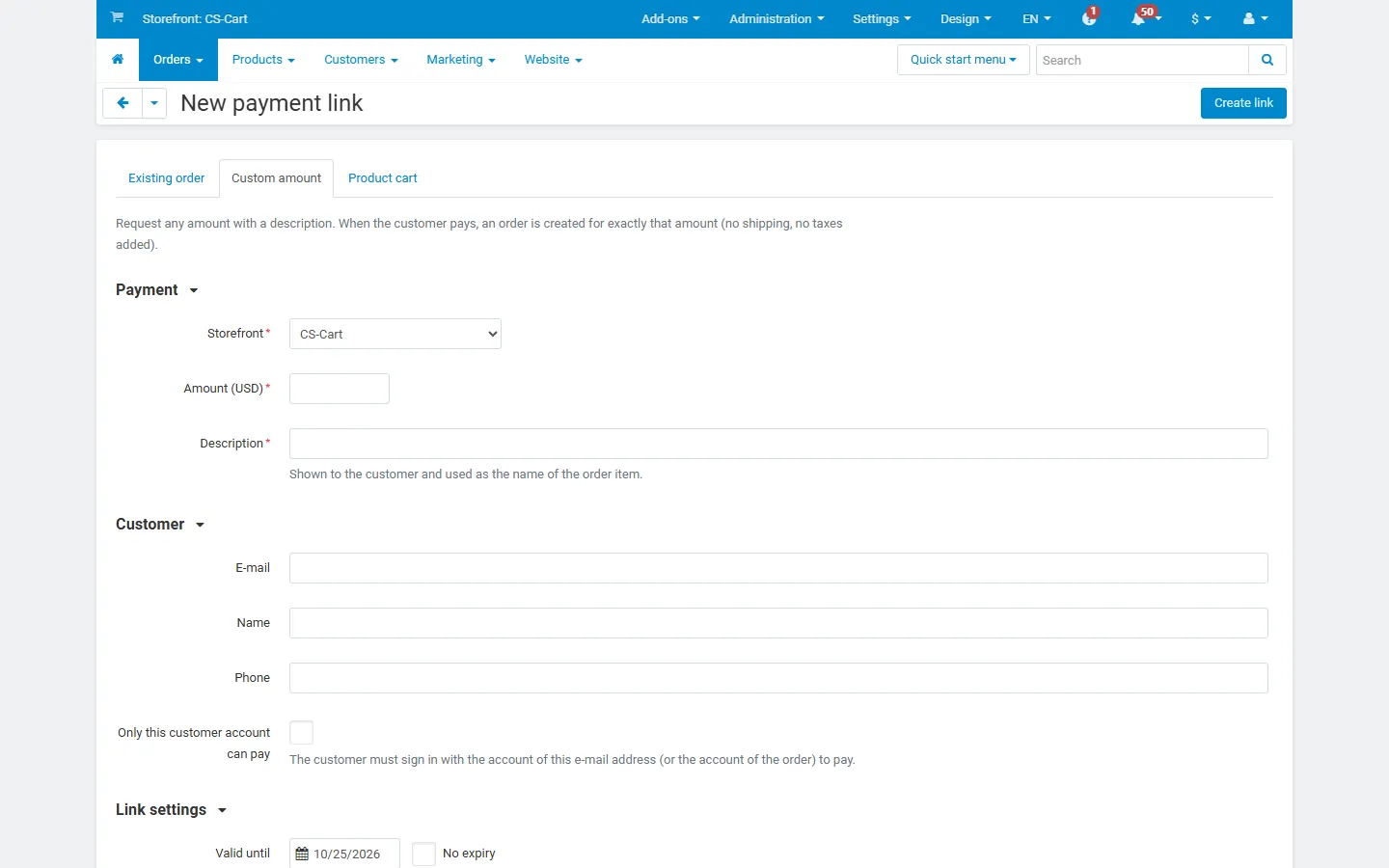
New payment link: custom amount.
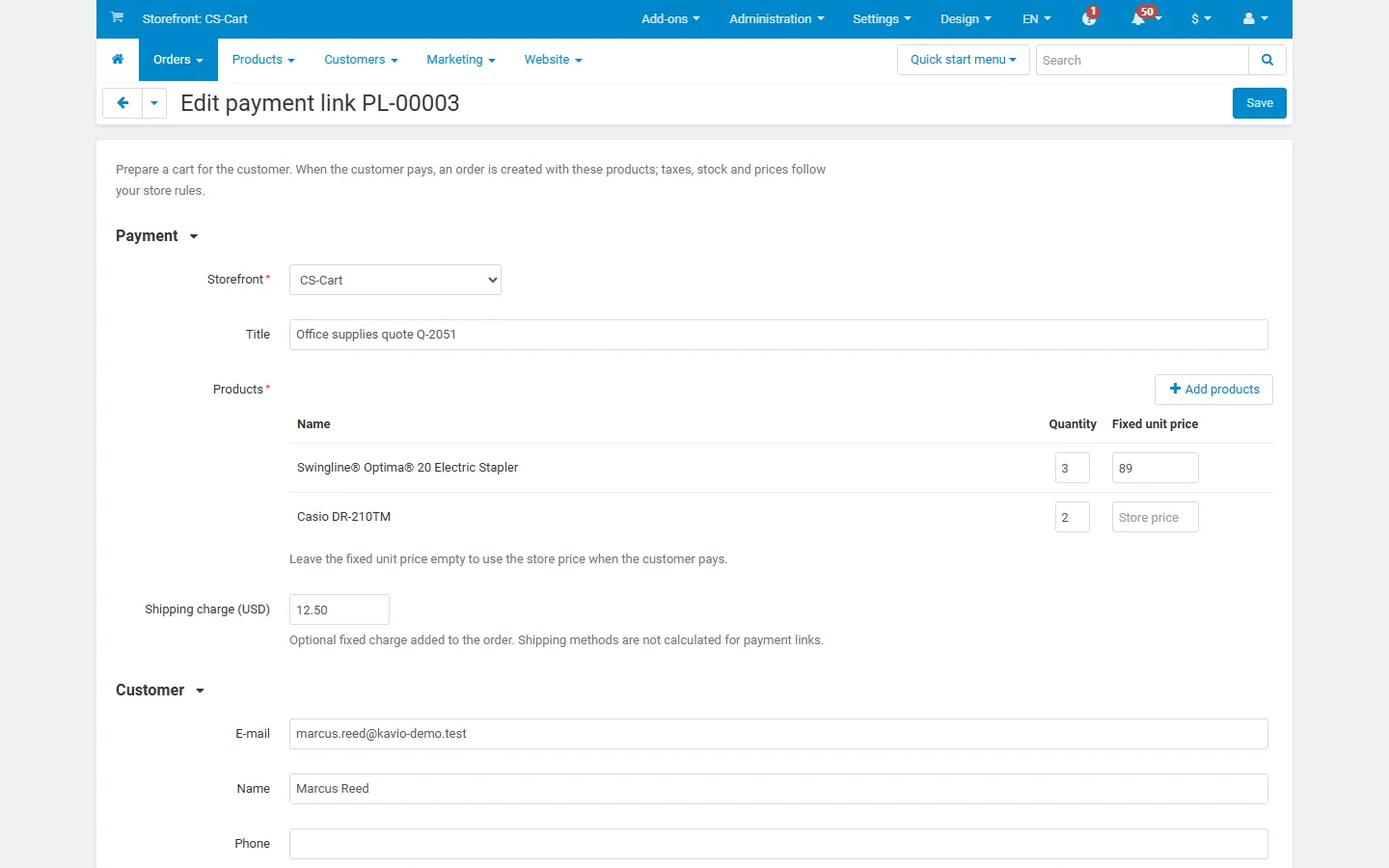
Product cart link: product picker with quantities and fixed unit prices, shipping charge, link settings.
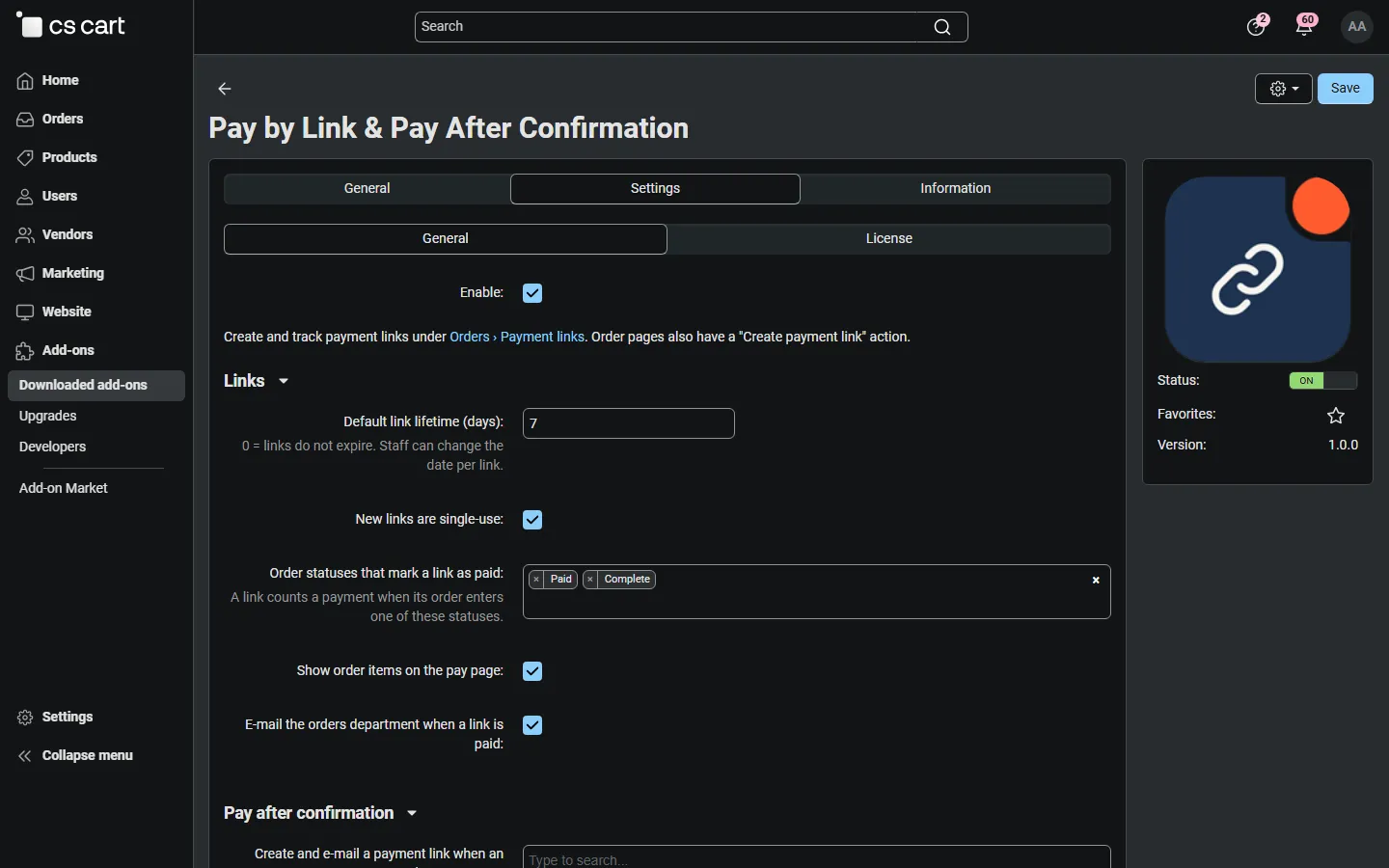
Add-on settings: lifetime, single use, paid statuses, pay page items, e-mail on payment, pay after confirmation.
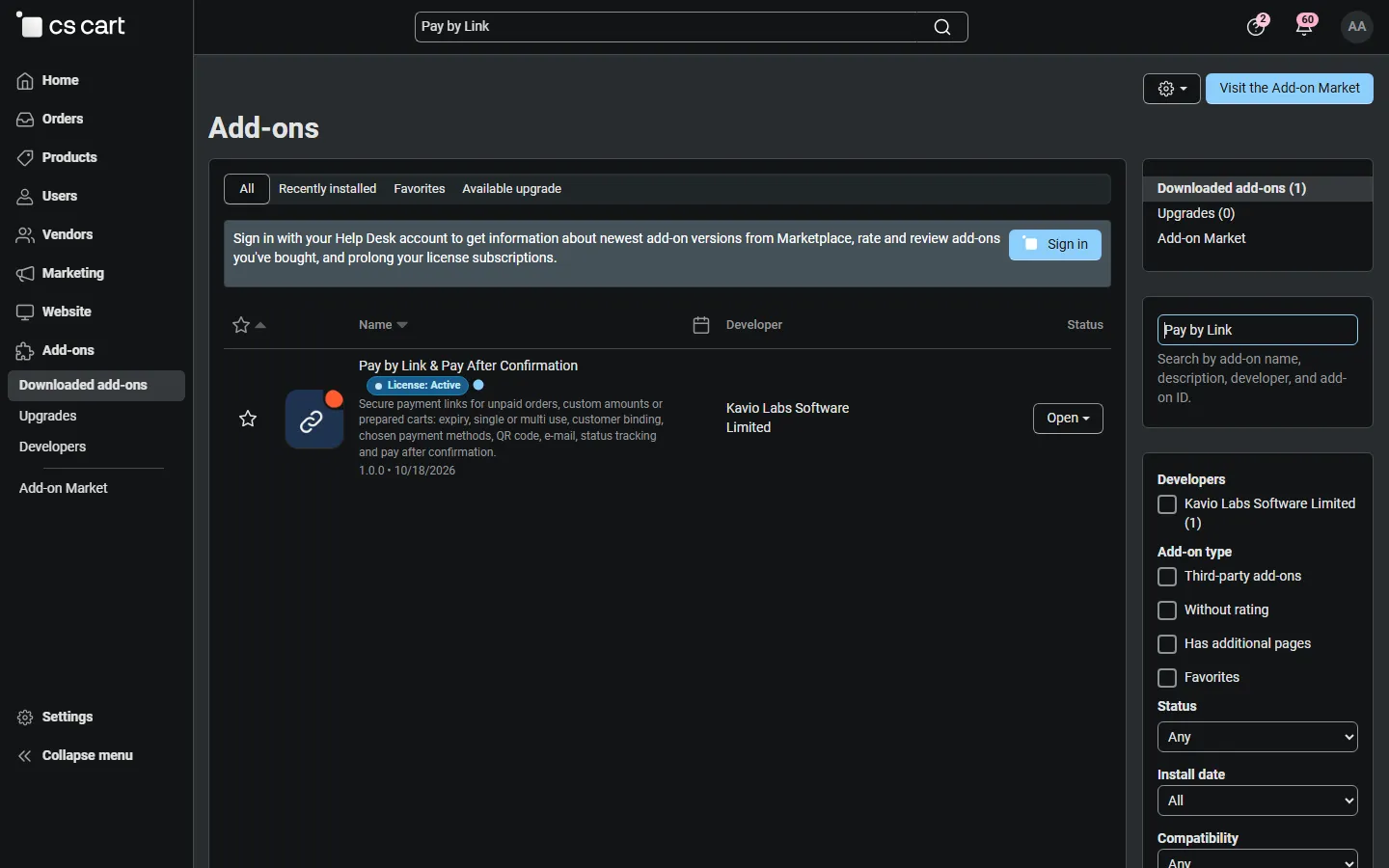
Admin, Downloaded add-ons searched for the add-on.
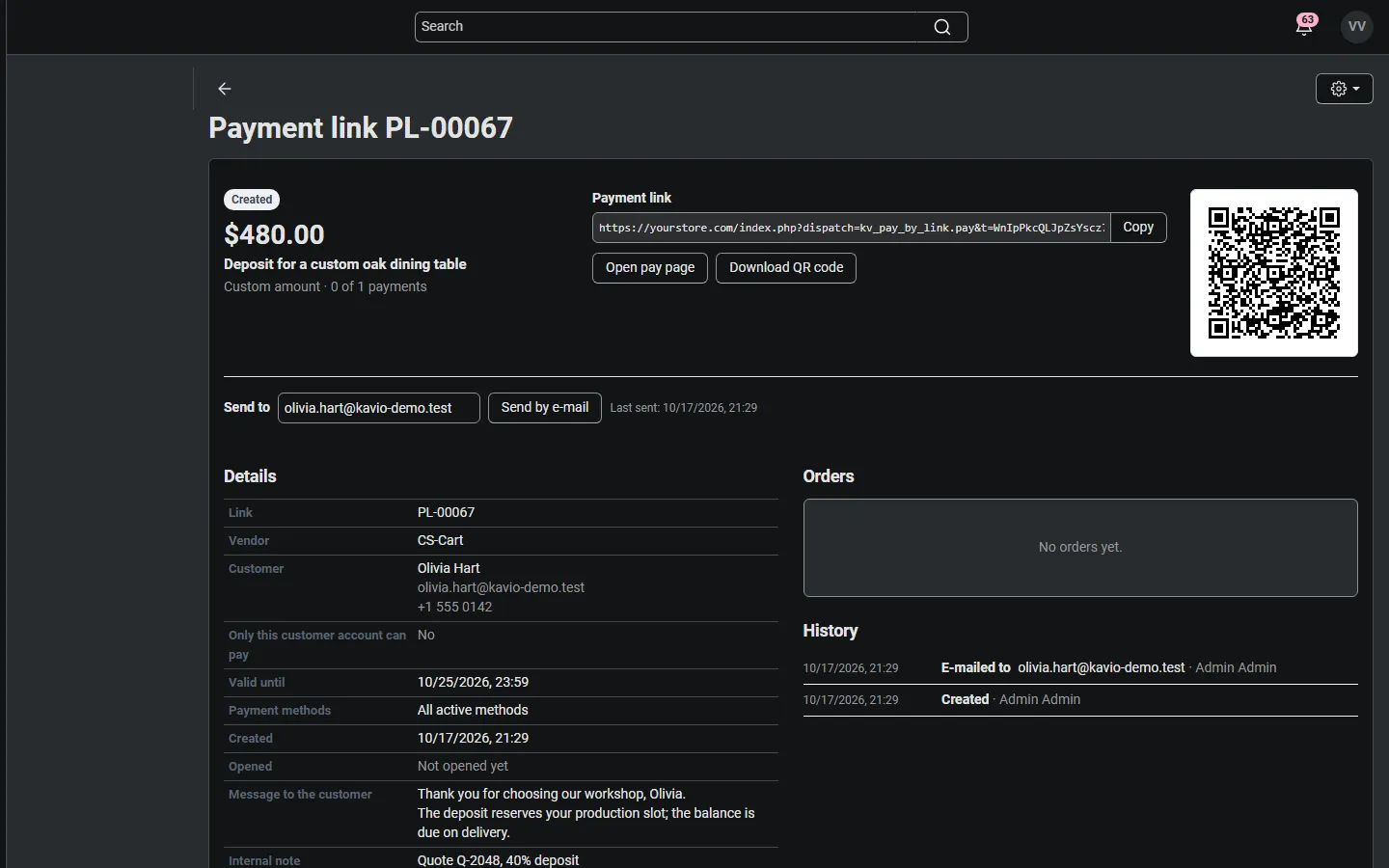
Vendor panel (Multi-Vendor 4.21.2, dark scheme): a vendor’s own link.
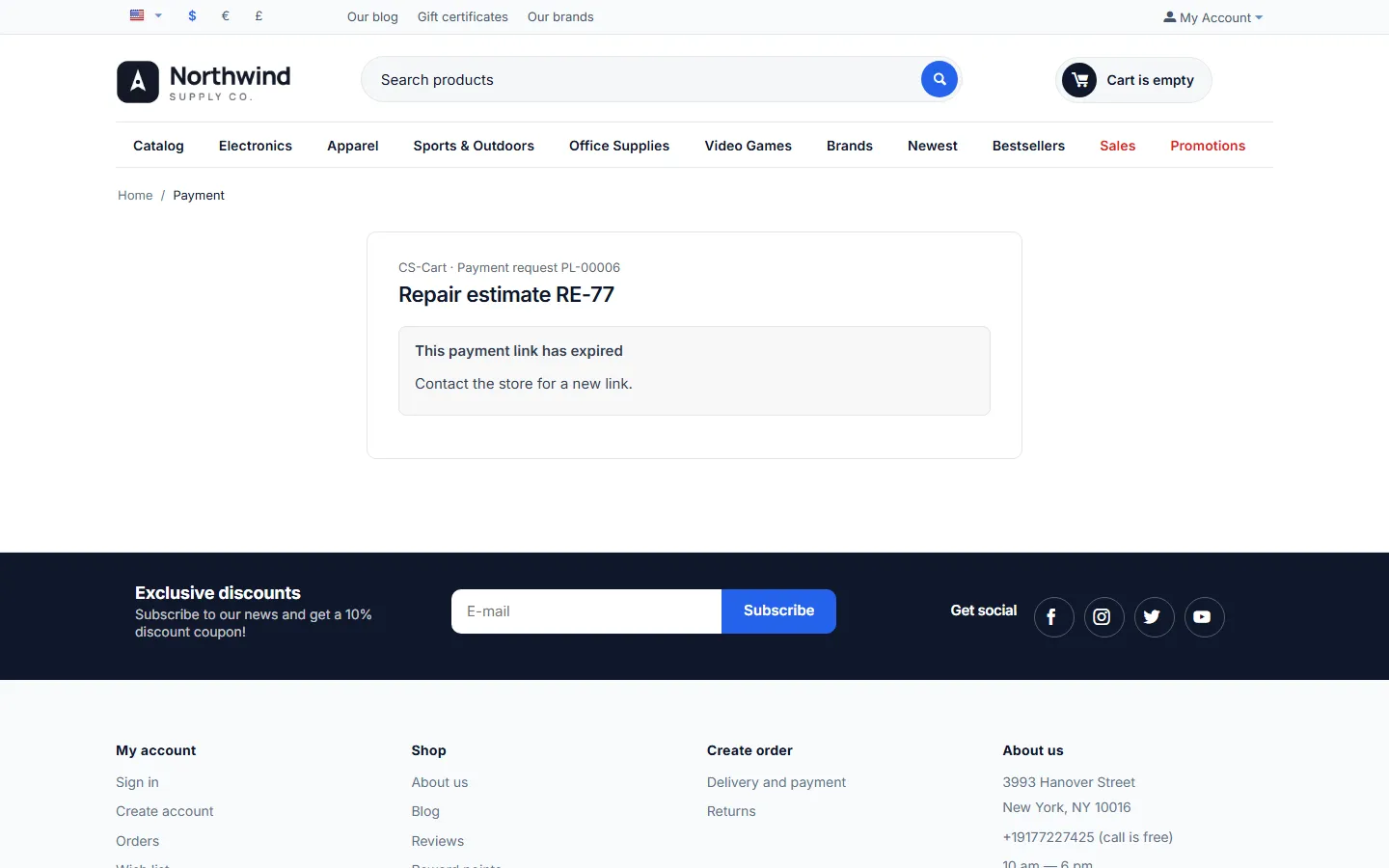
Pay page of an expired link.
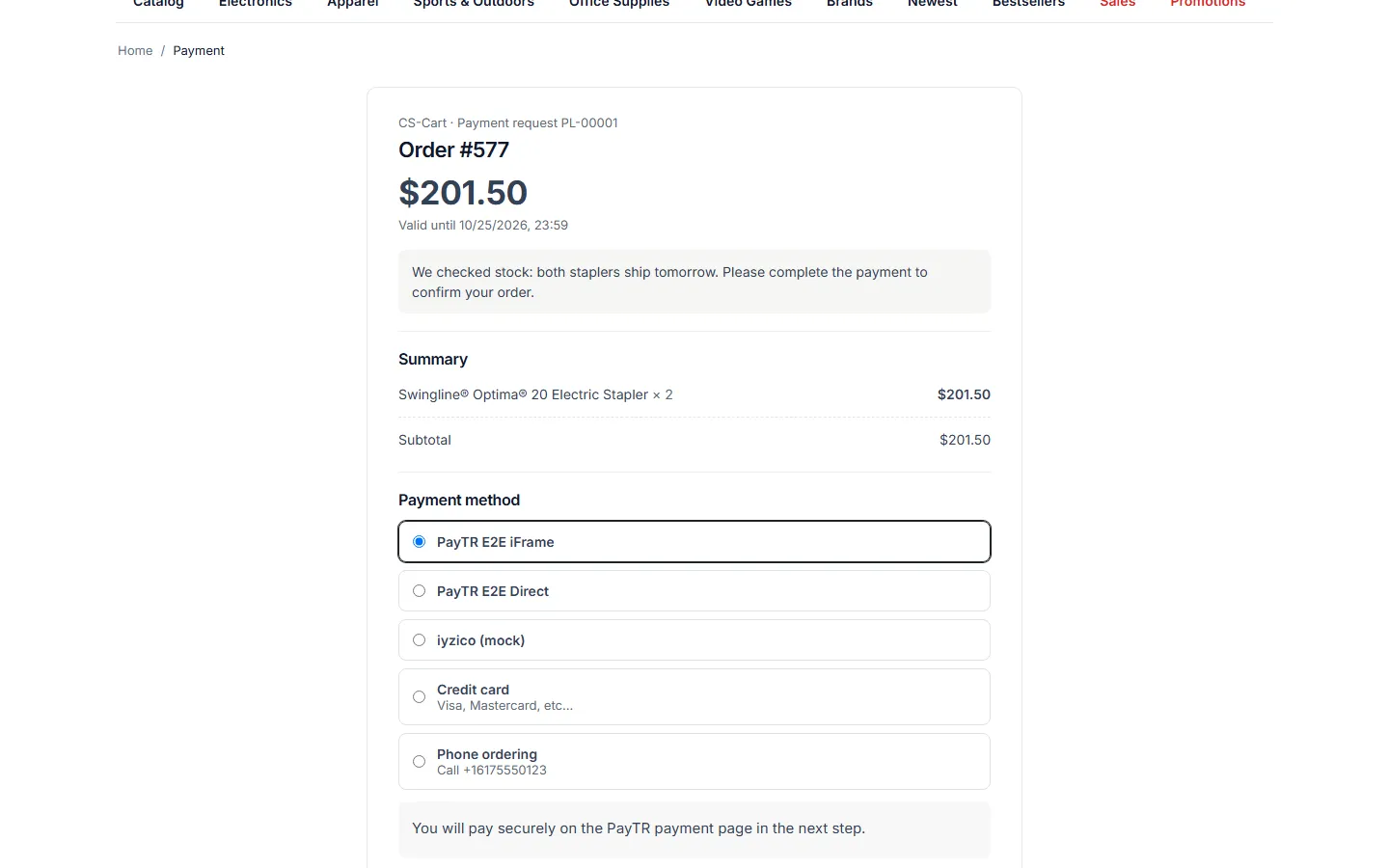
Pay page of an existing order for the signed-in customer (bound link).