

Photo & Video Reviews with Q&A screenshots
Real screenshots from our CS-Cart and Multi-Vendor test stores with the add-on installed and the English interface.
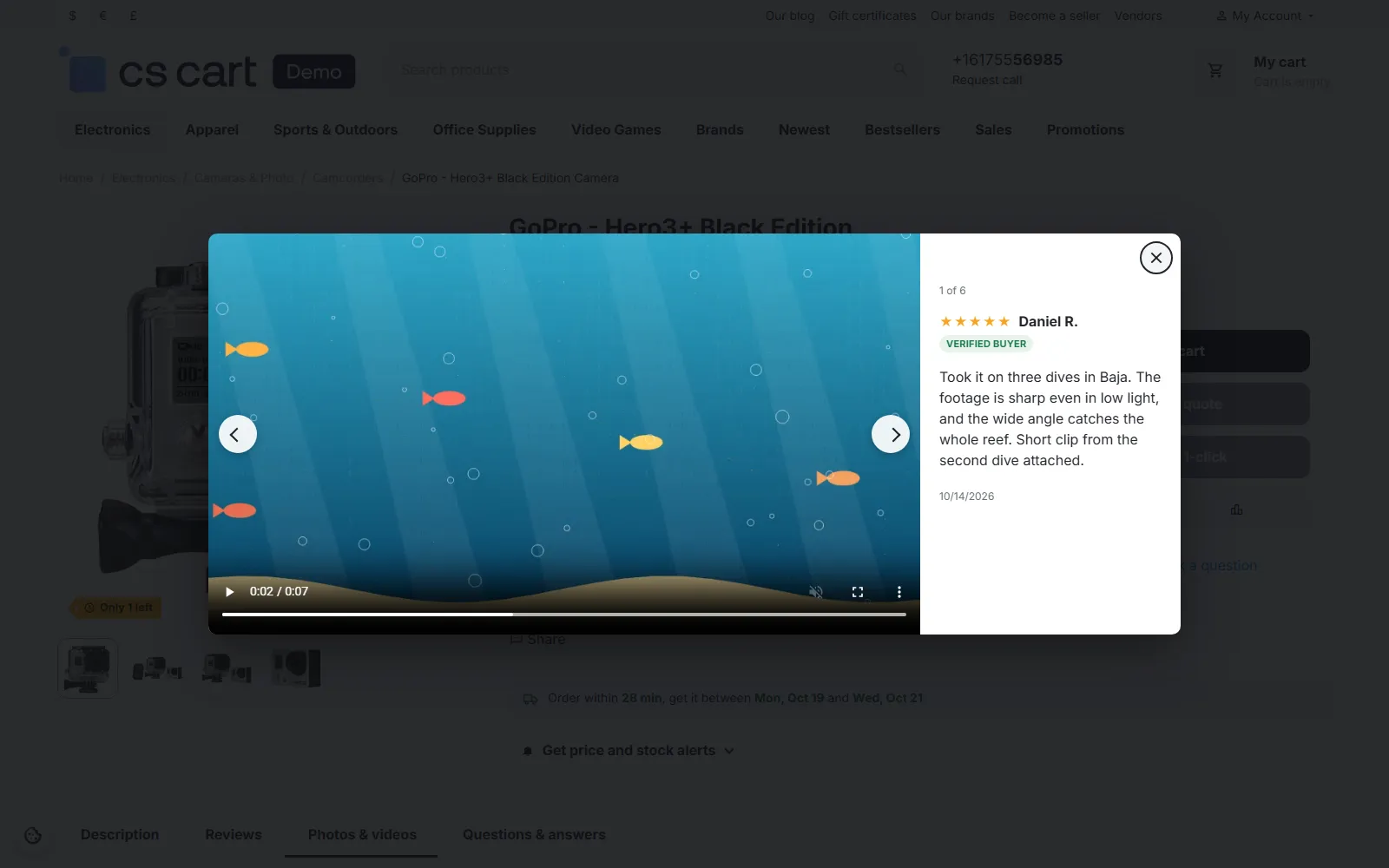
Product page on Nova: the full-screen viewer plays a customer video next to its review.
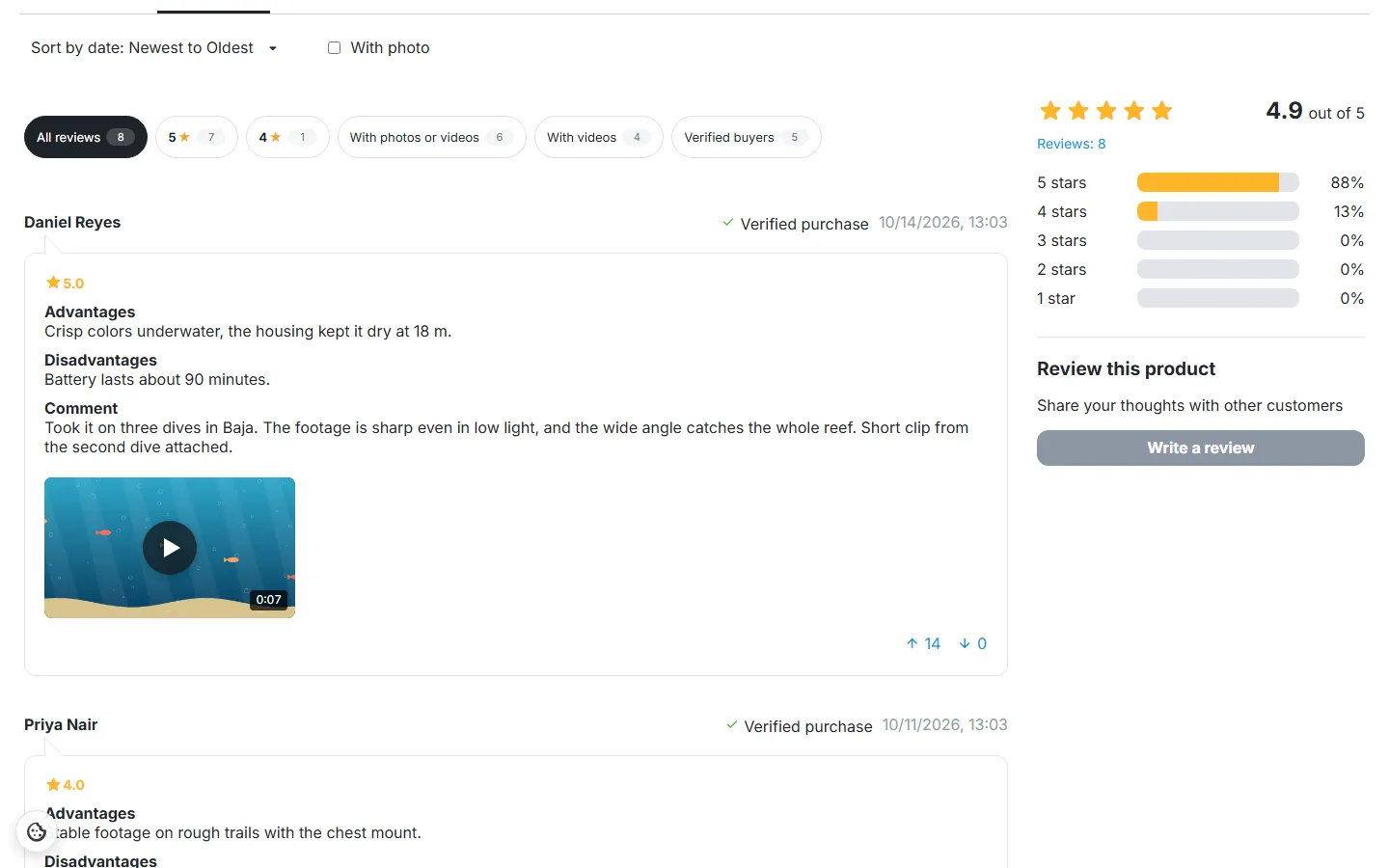
Reviews tab on Nova: filter buttons (all, 5 and 4 stars, with photos or videos, with videos, verified buyers) and a review with its video.
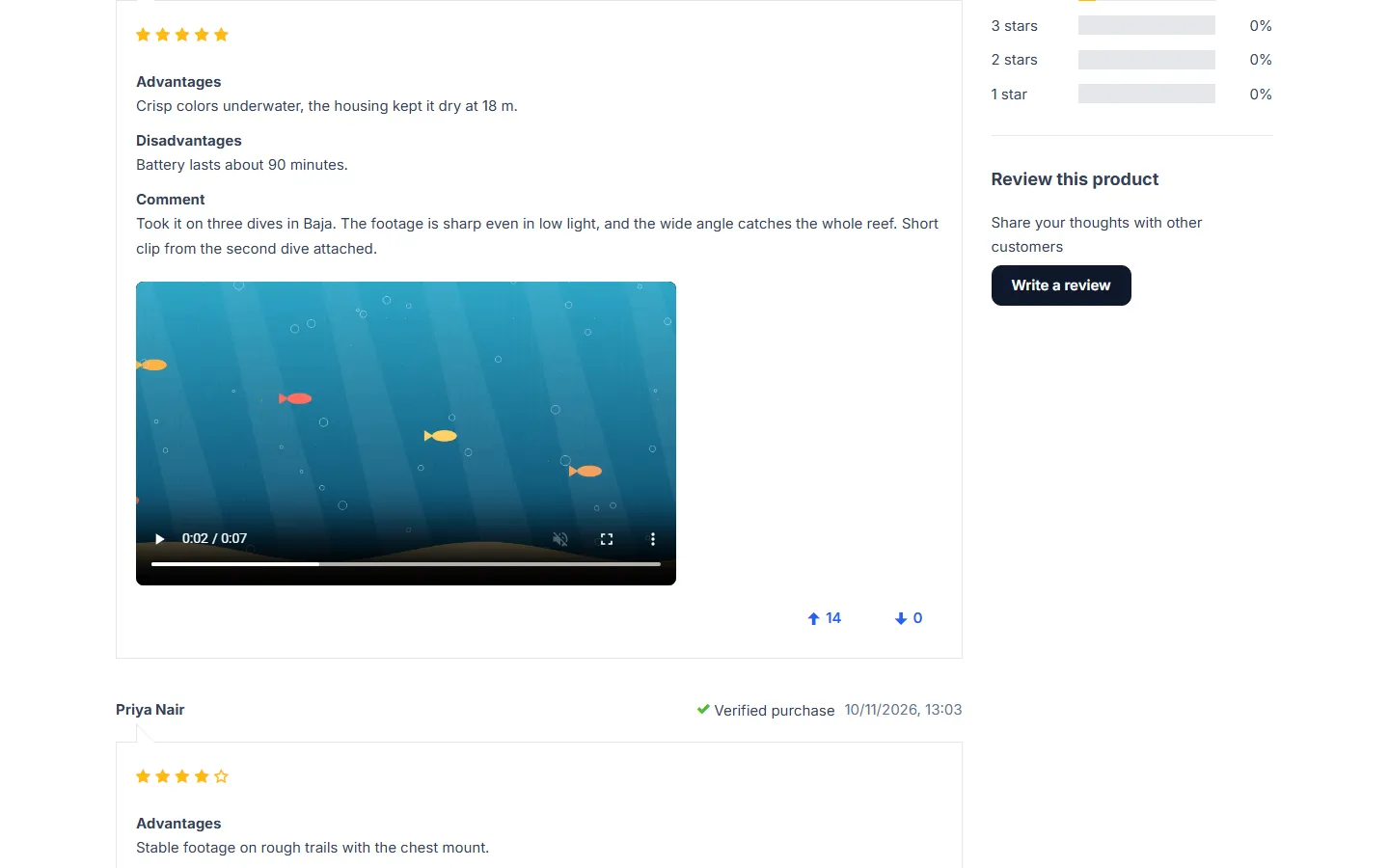
Uploaded customer video playing inside the review.
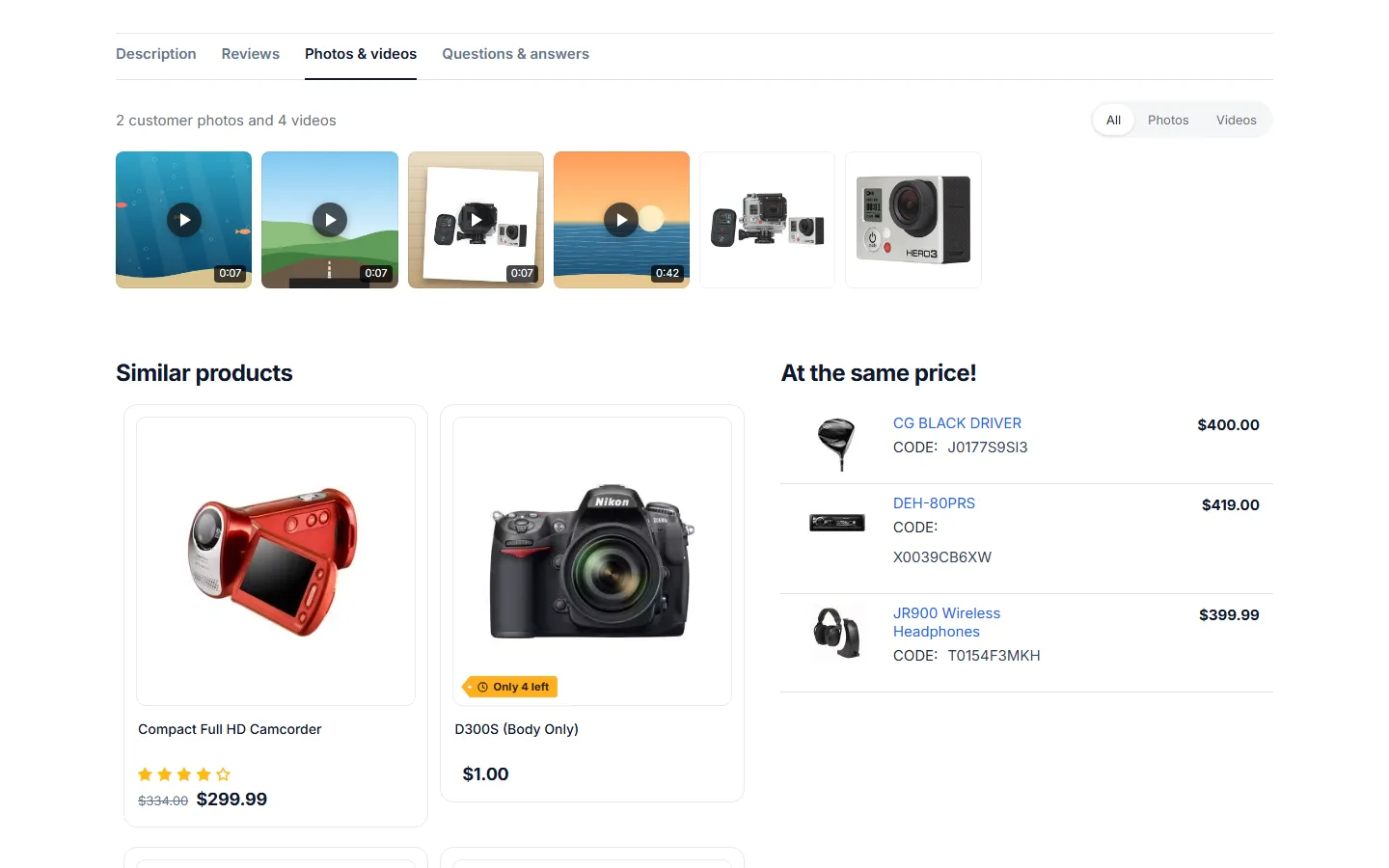
Photos & videos tab with All / Photos / Videos.
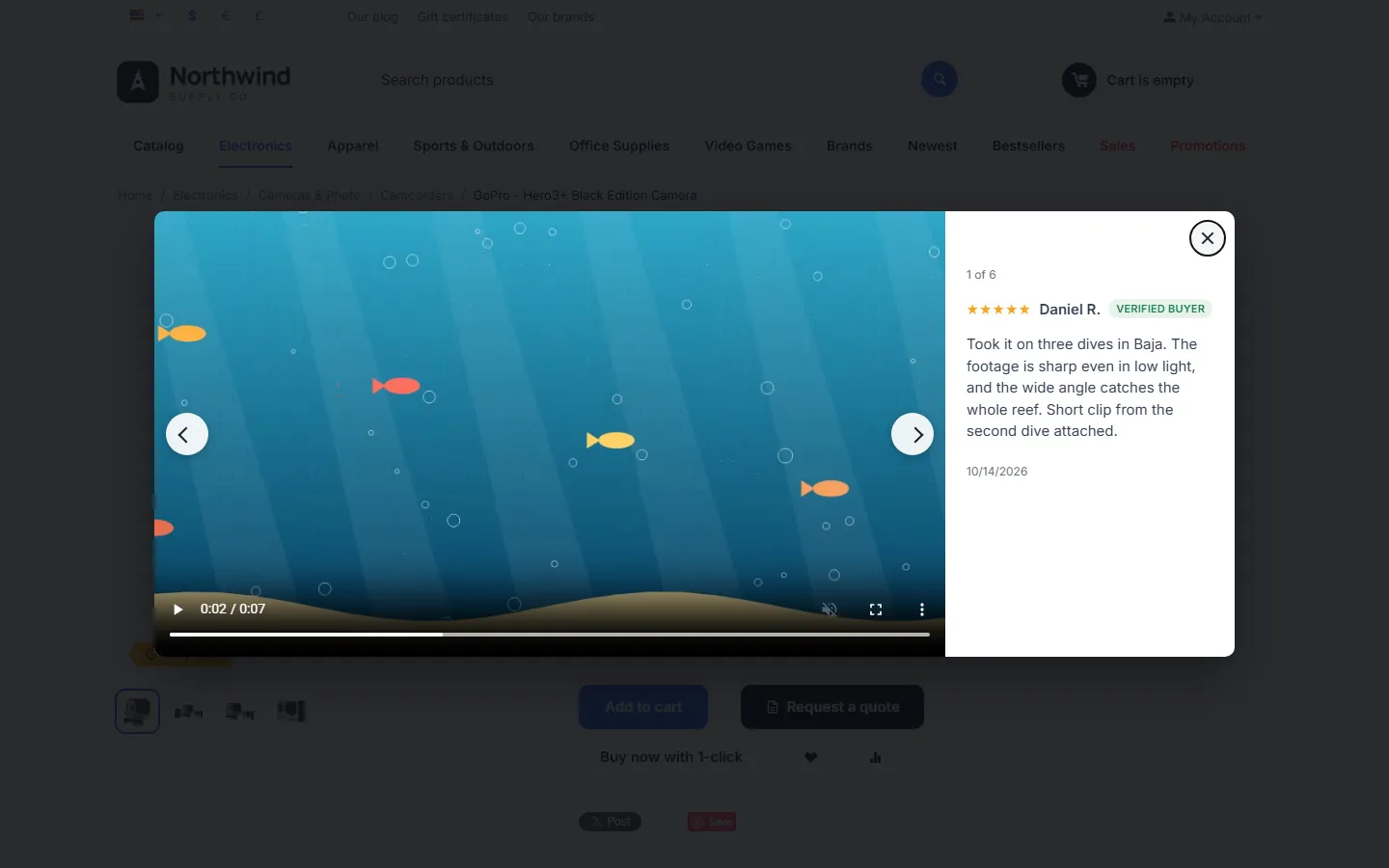
Full-screen viewer: the video with the review, stars, name and “Verified buyer”.
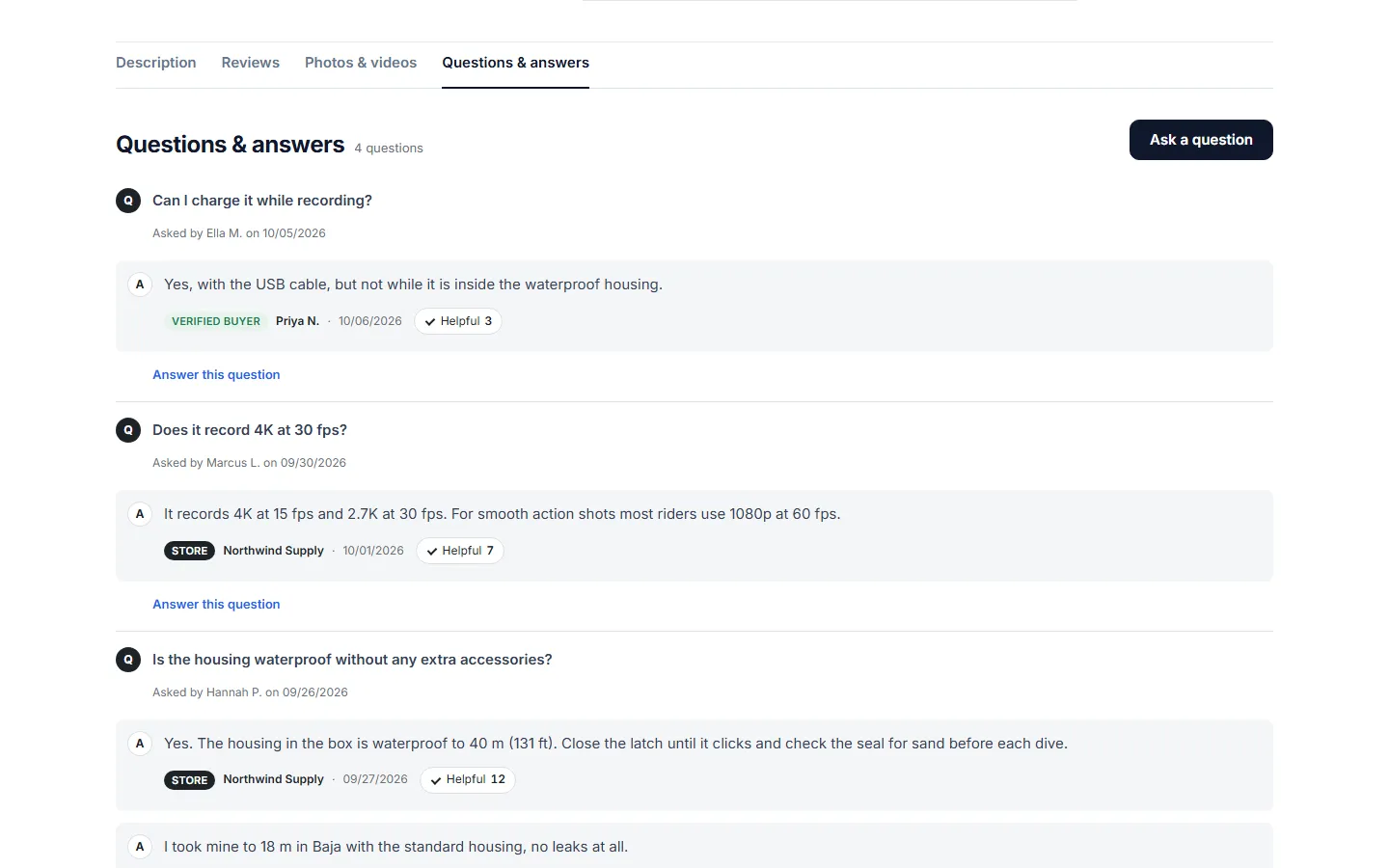
Questions & answers tab: answers with Store, Seller and Verified buyer badges and helpful votes.
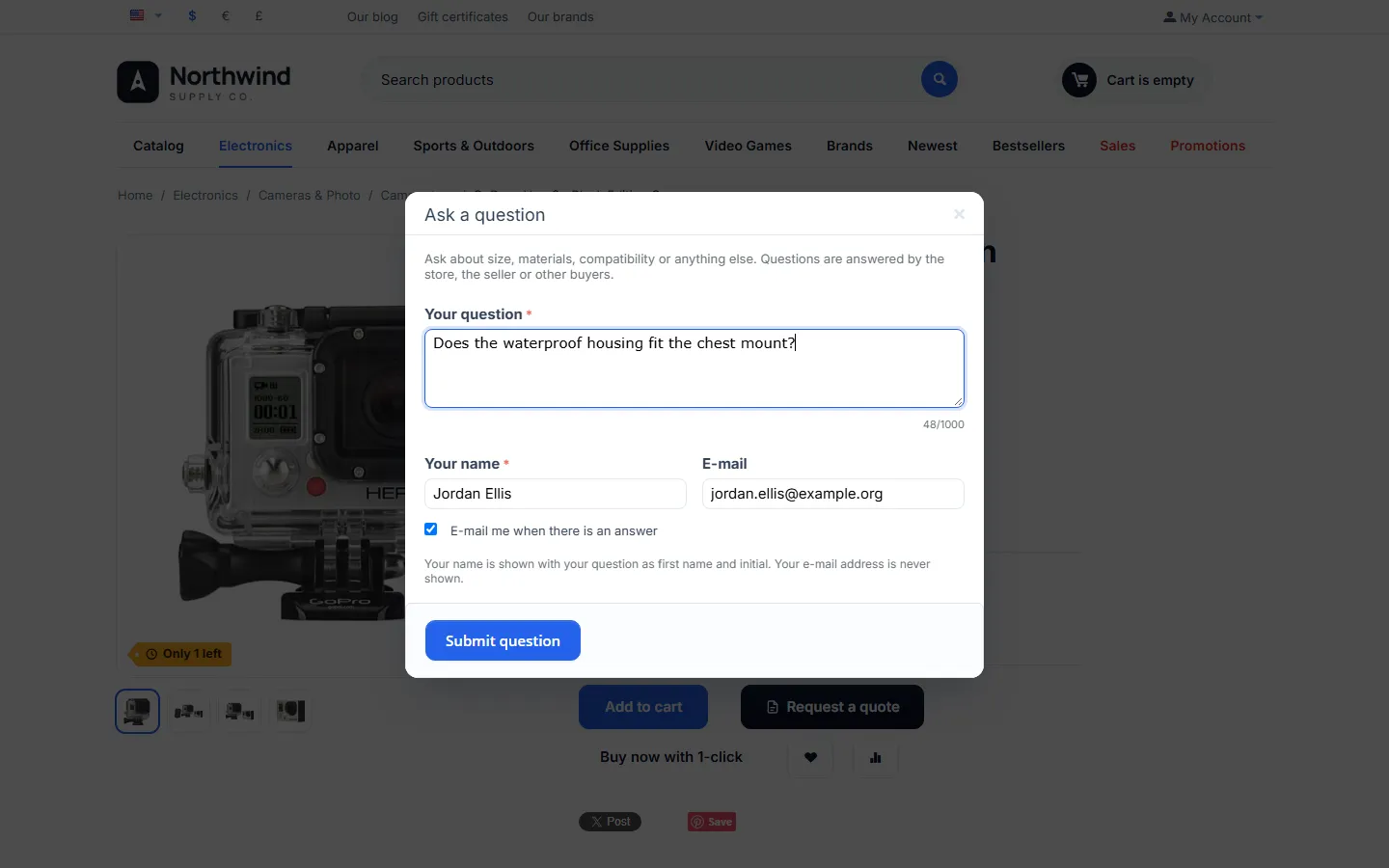
“Ask a question” form with the e-mail notification option.
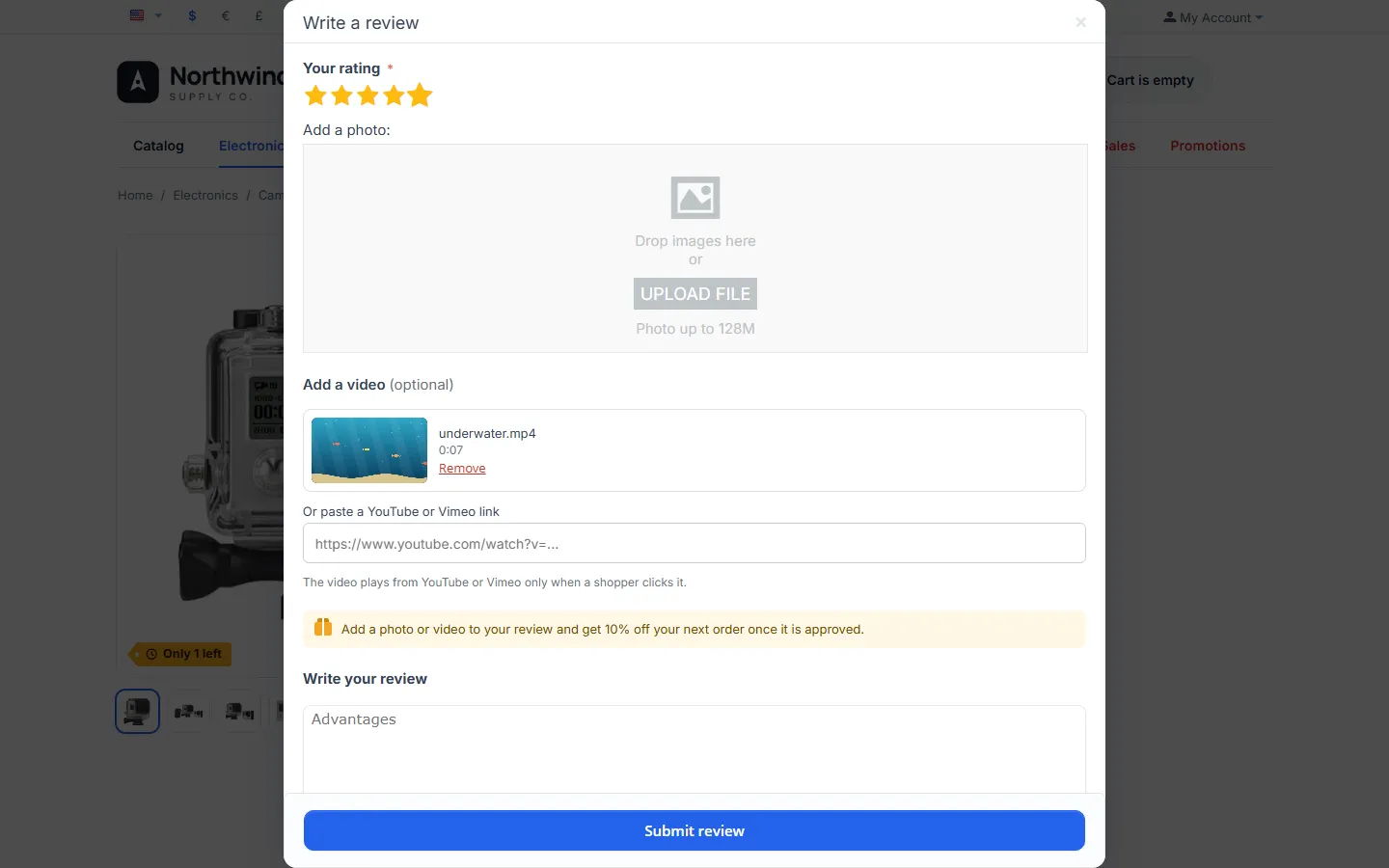
Core review form with the Add a video block (preview, length), the link field and the reward hint.
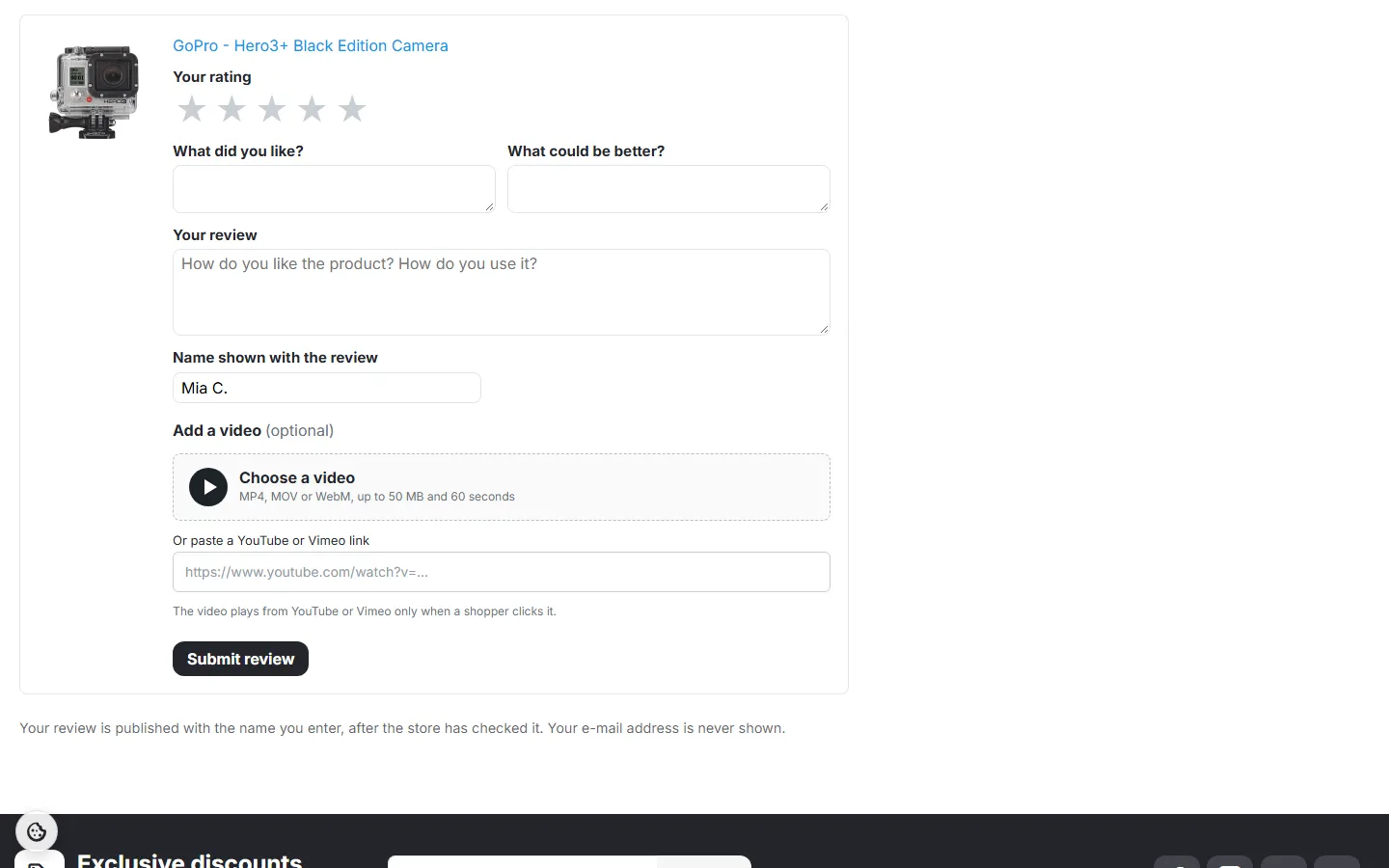
Review page of Review Request E-mails with the video fields of this add-on.
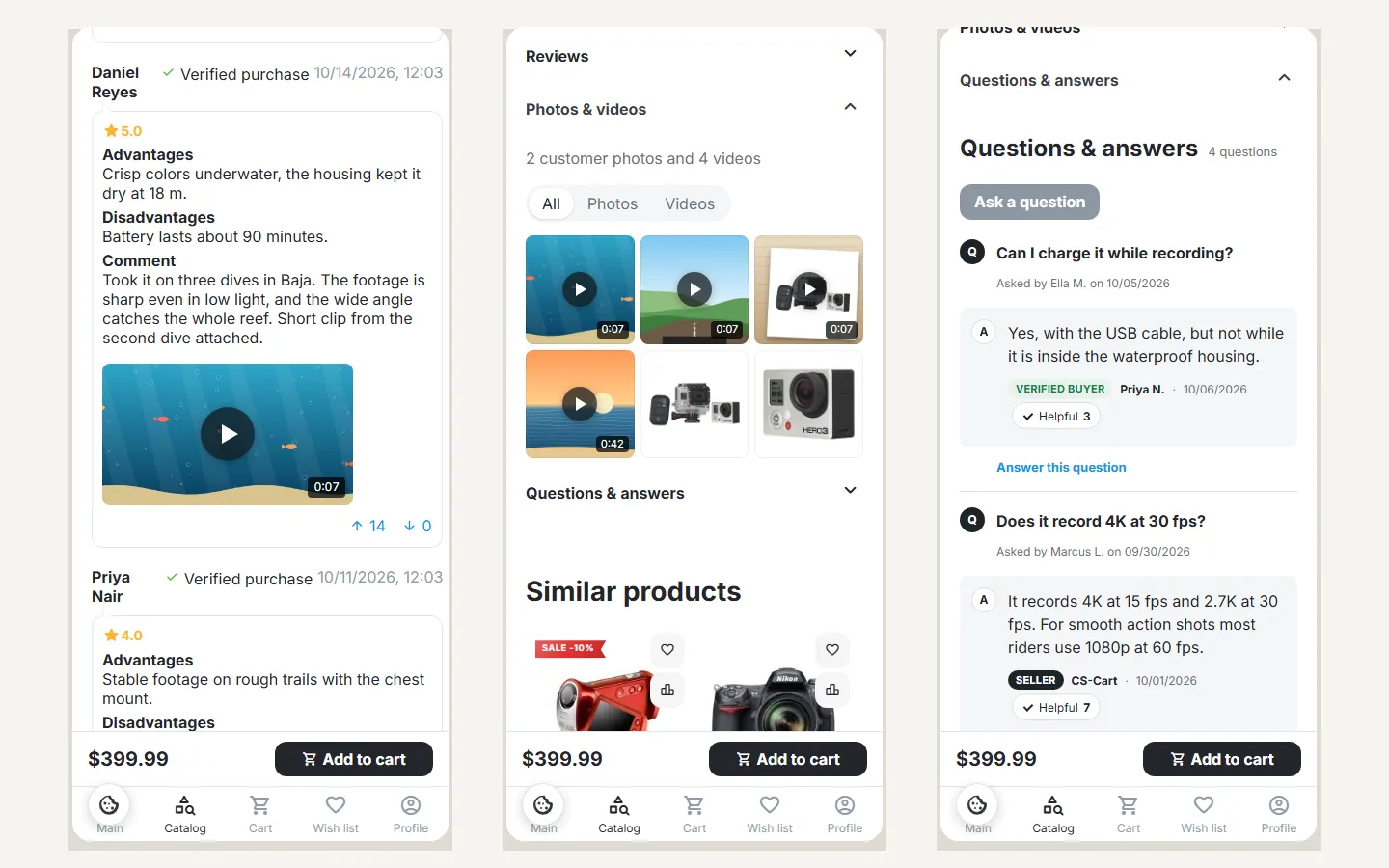
Nova theme on a phone (390 px): a review with its video, the Photos & videos tab and the Q&A tab.
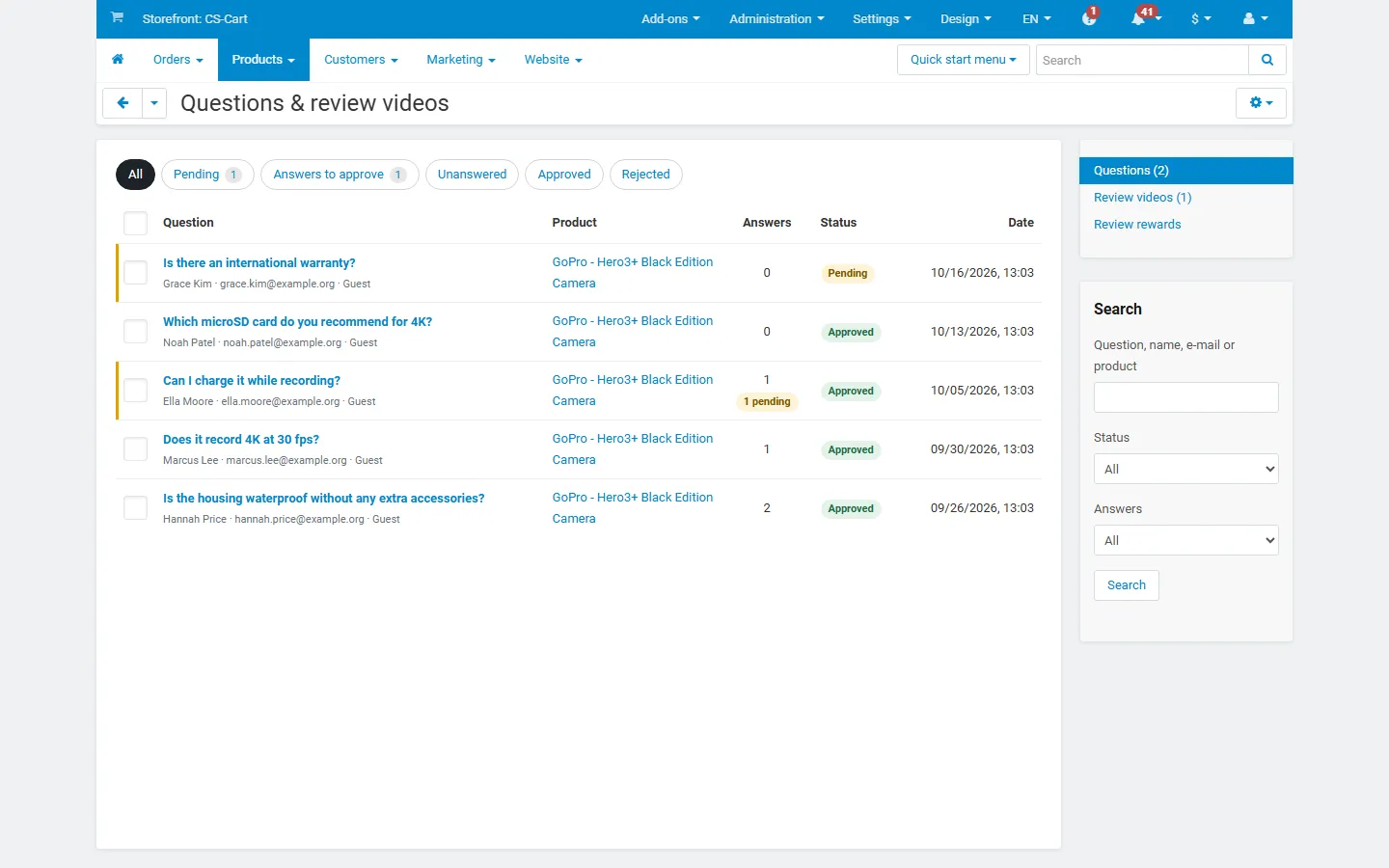
Products > Questions & review videos: questions with status filters, pending answers and search.
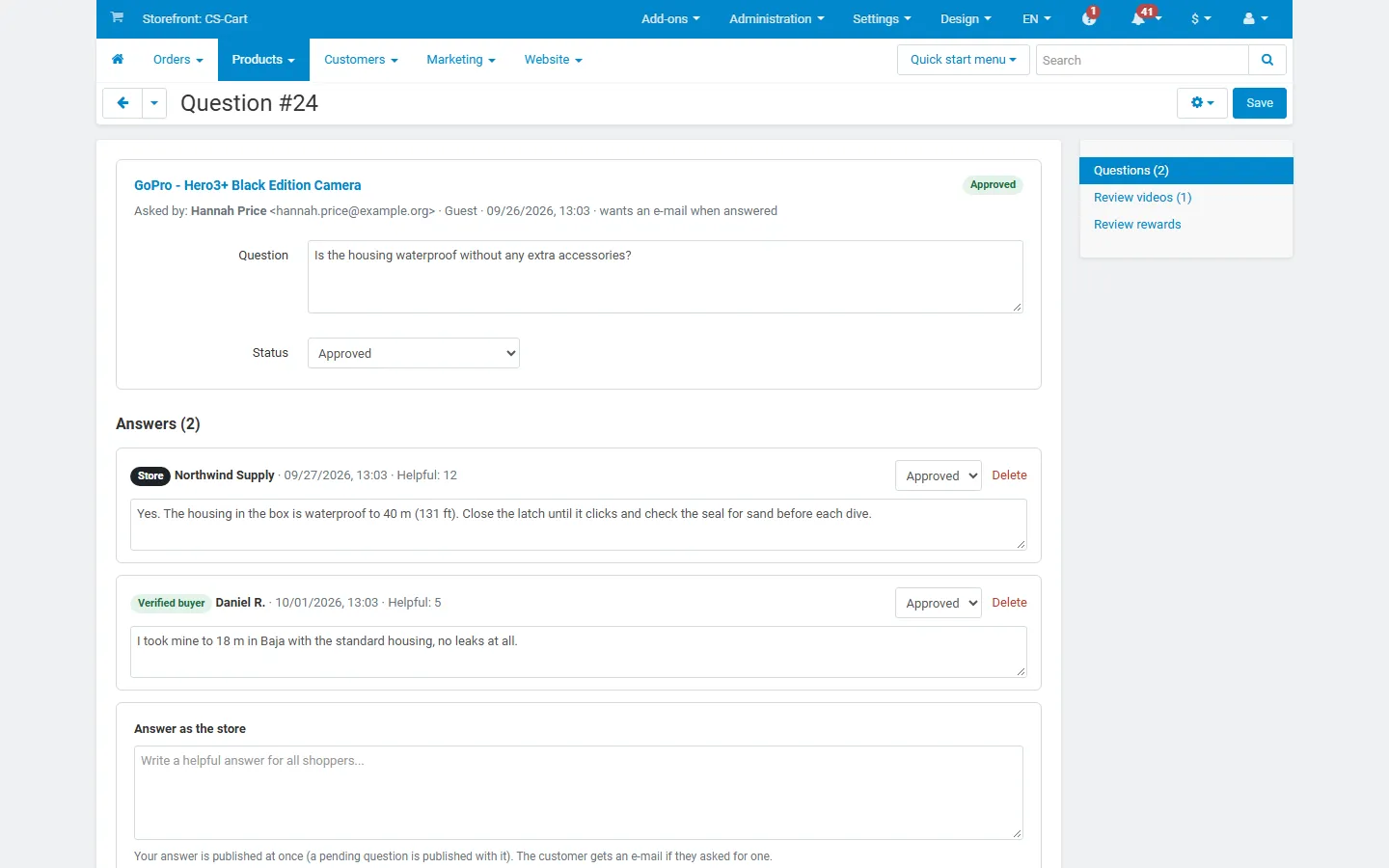
Question page: edit, answer statuses, helpful counts and the store’s answer.
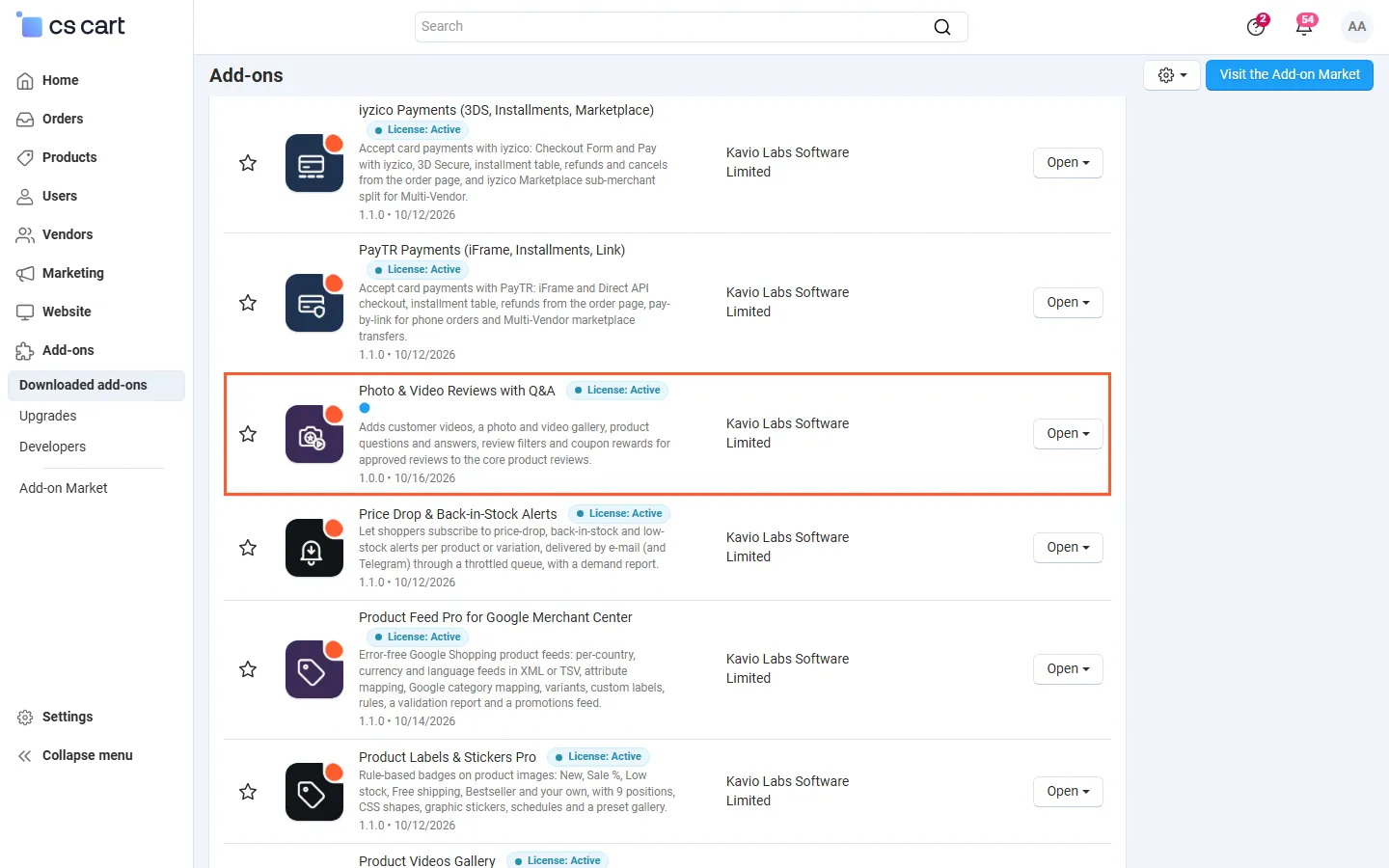
Downloaded add-ons filtered to Kavio Labs (Multi-Vendor 4.21.2), Photo & Video Reviews with Q&A highlighted.
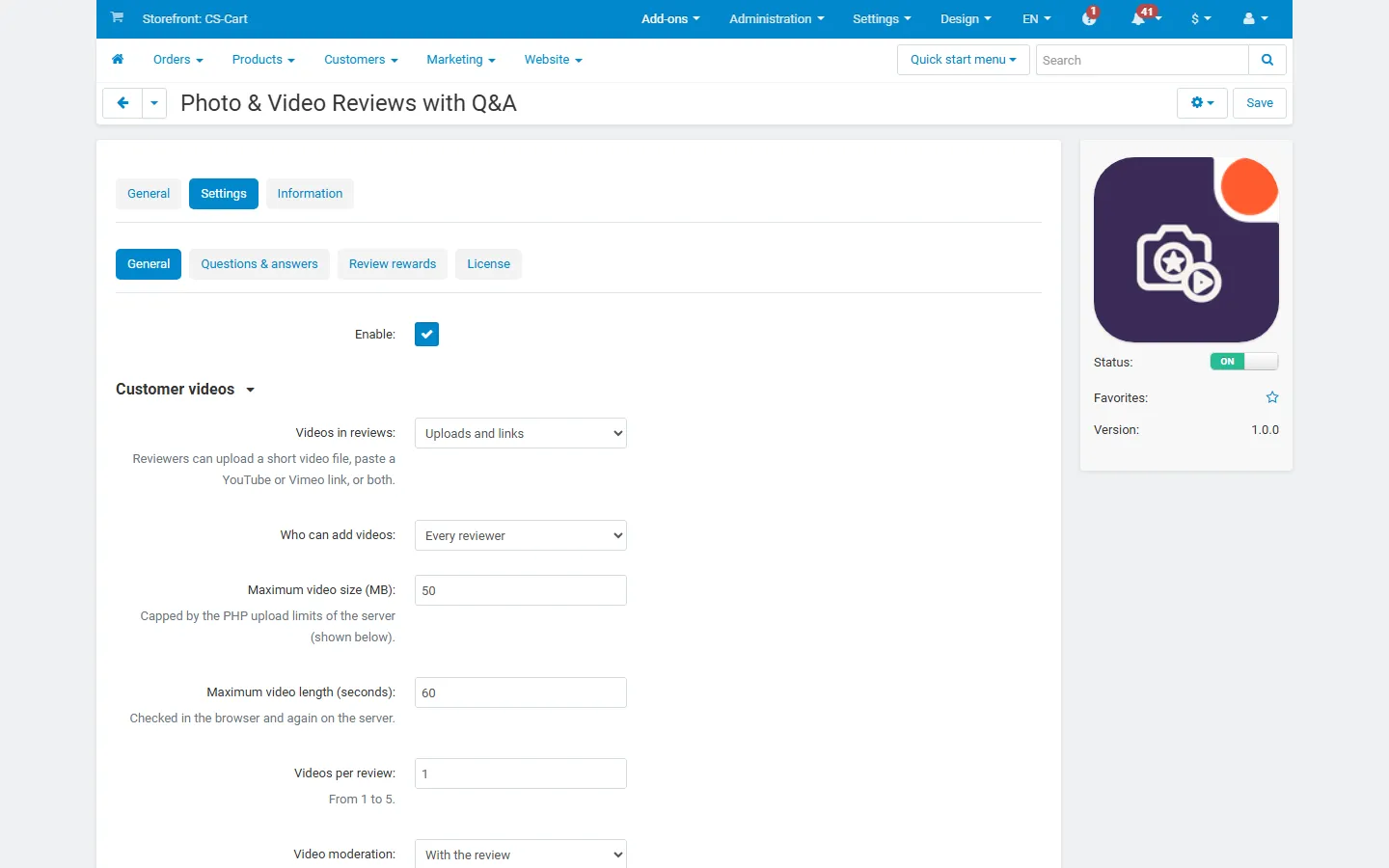
Settings, General: video options, limits, moderation, privacy note.
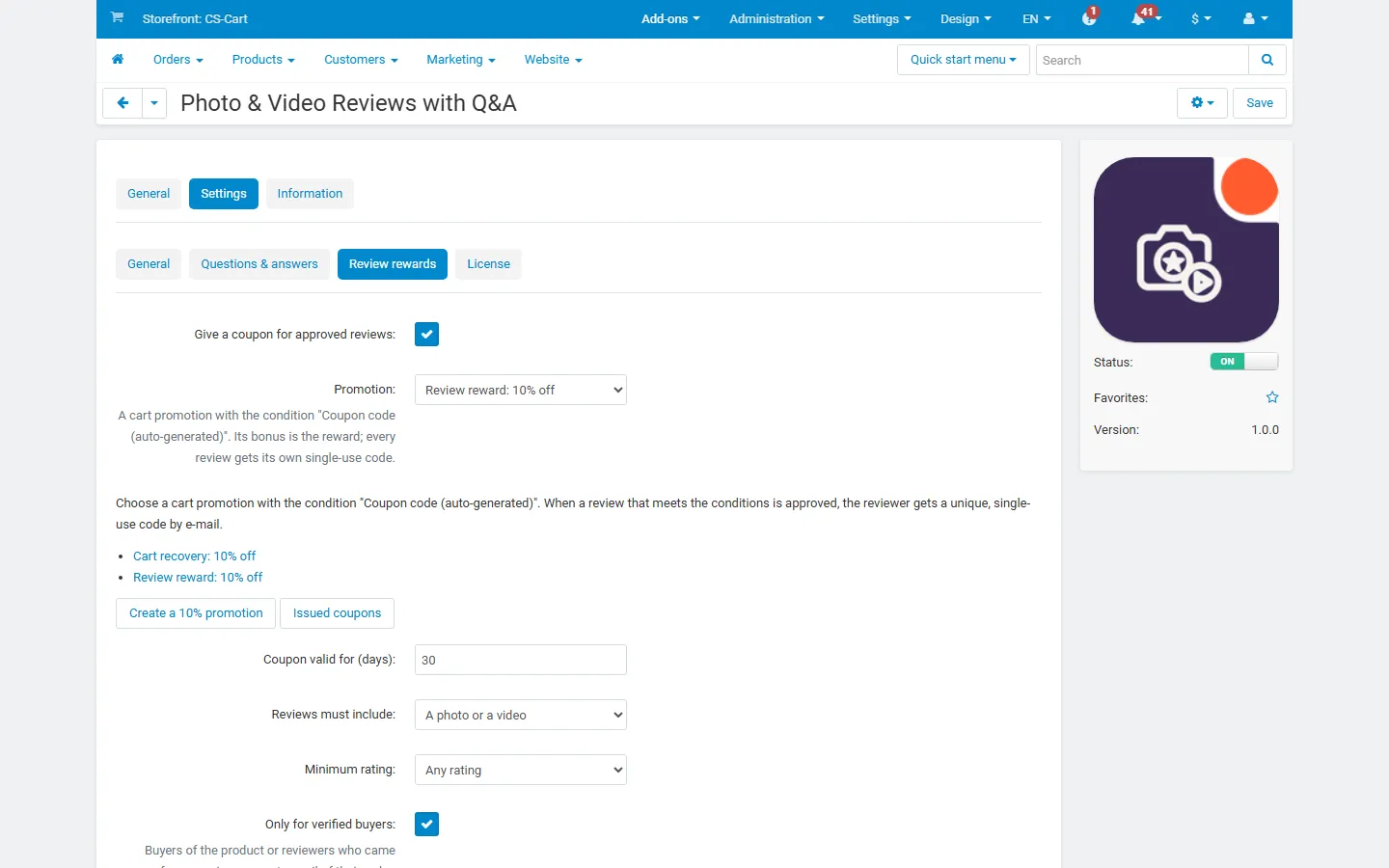
Settings, Review rewards: promotion, conditions and the “Create a 10% promotion” button.
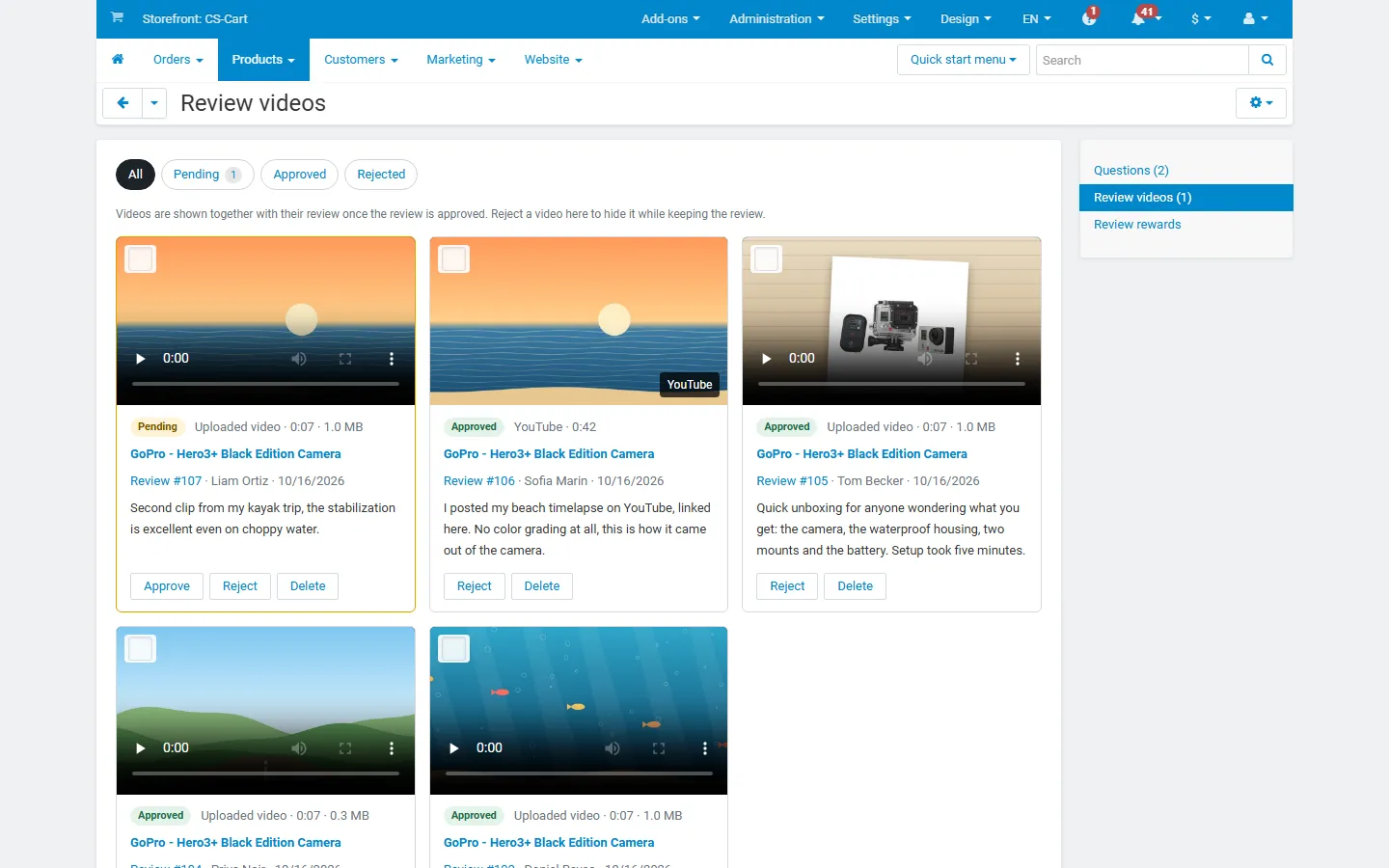
Review videos: moderation grid with players, review excerpts, approve/reject/delete.
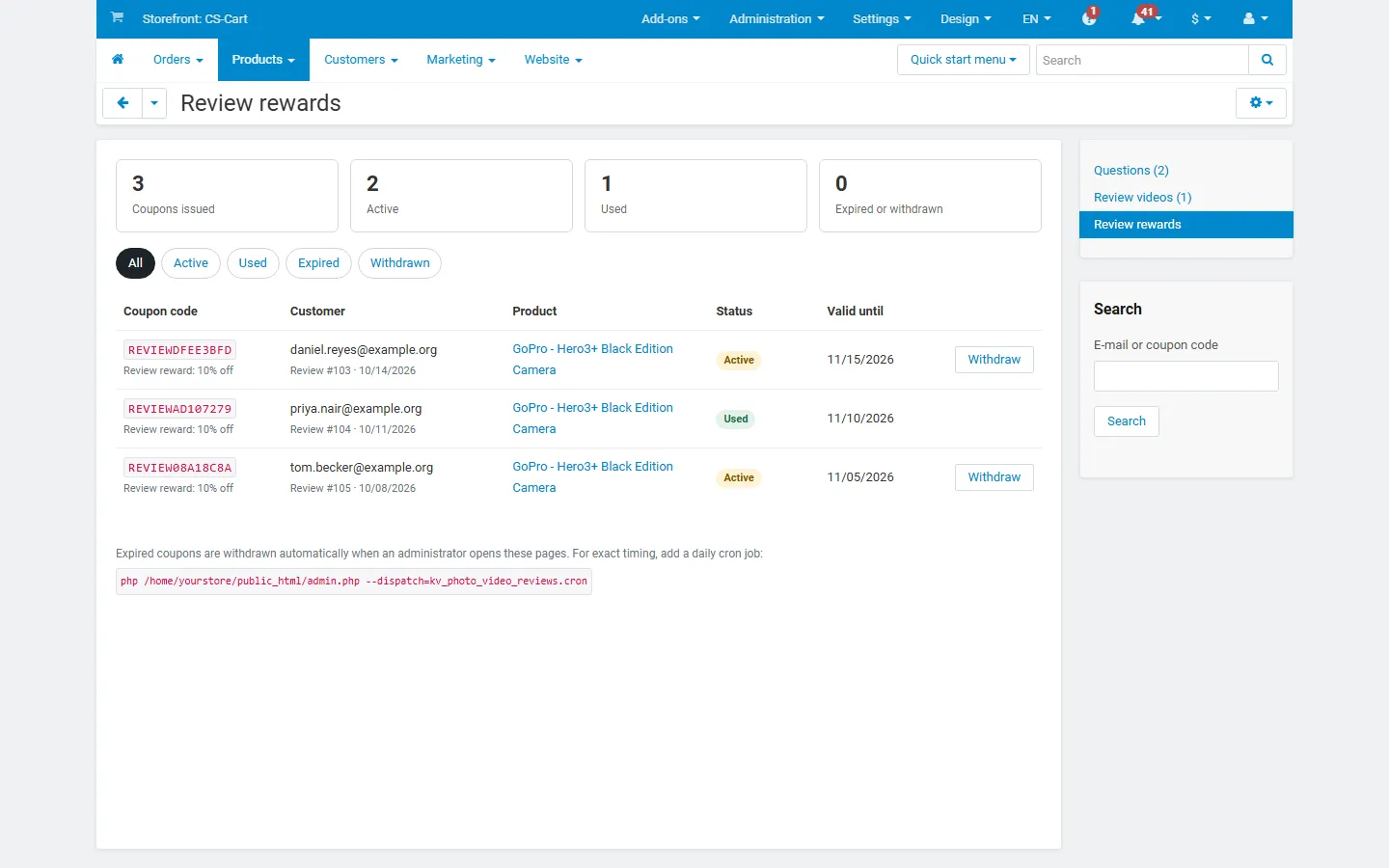
Review rewards: issued coupons with status, validity and withdraw.
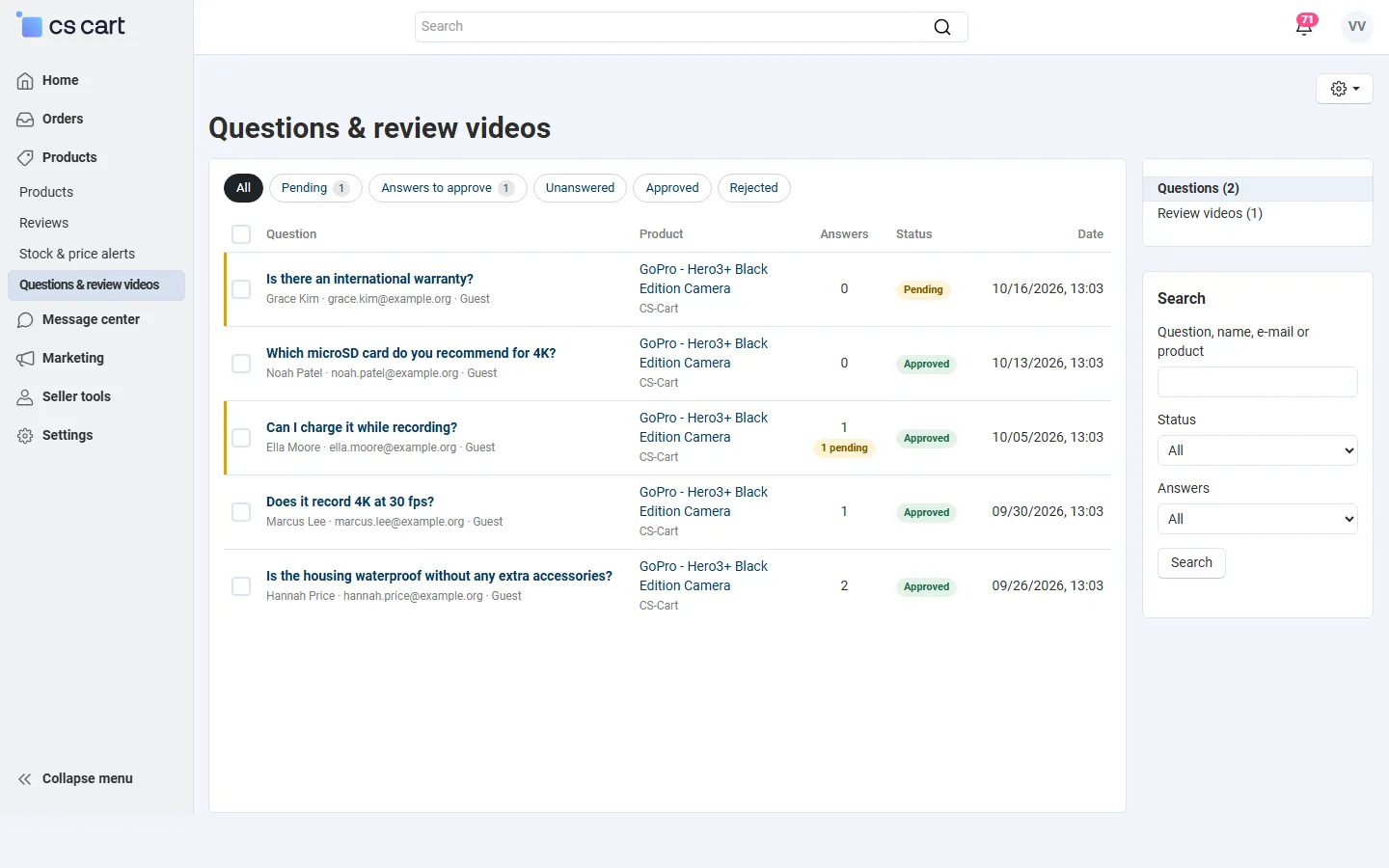
Vendor panel: questions about the vendor’s own products.
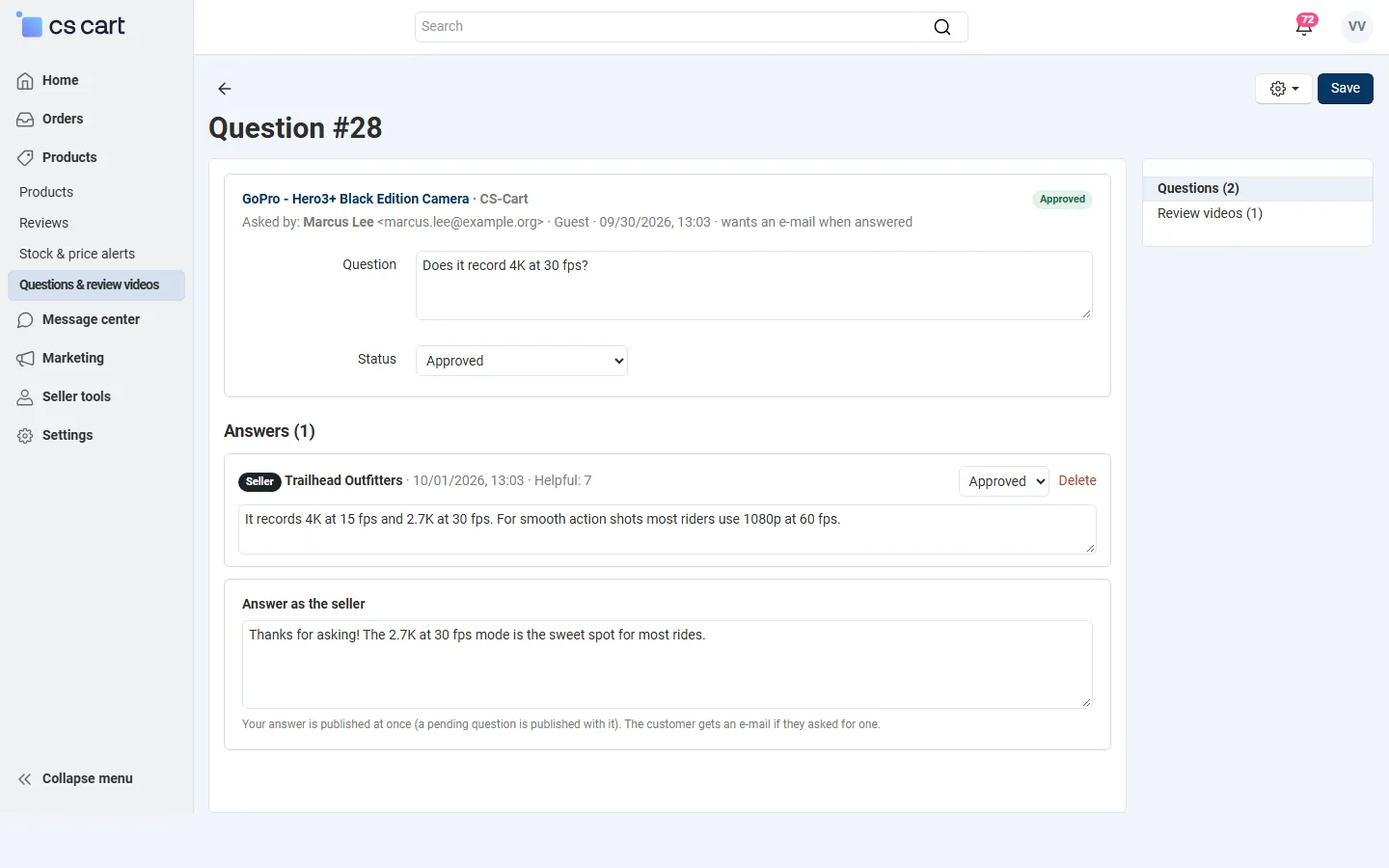
Vendor panel: answering a question as the seller.
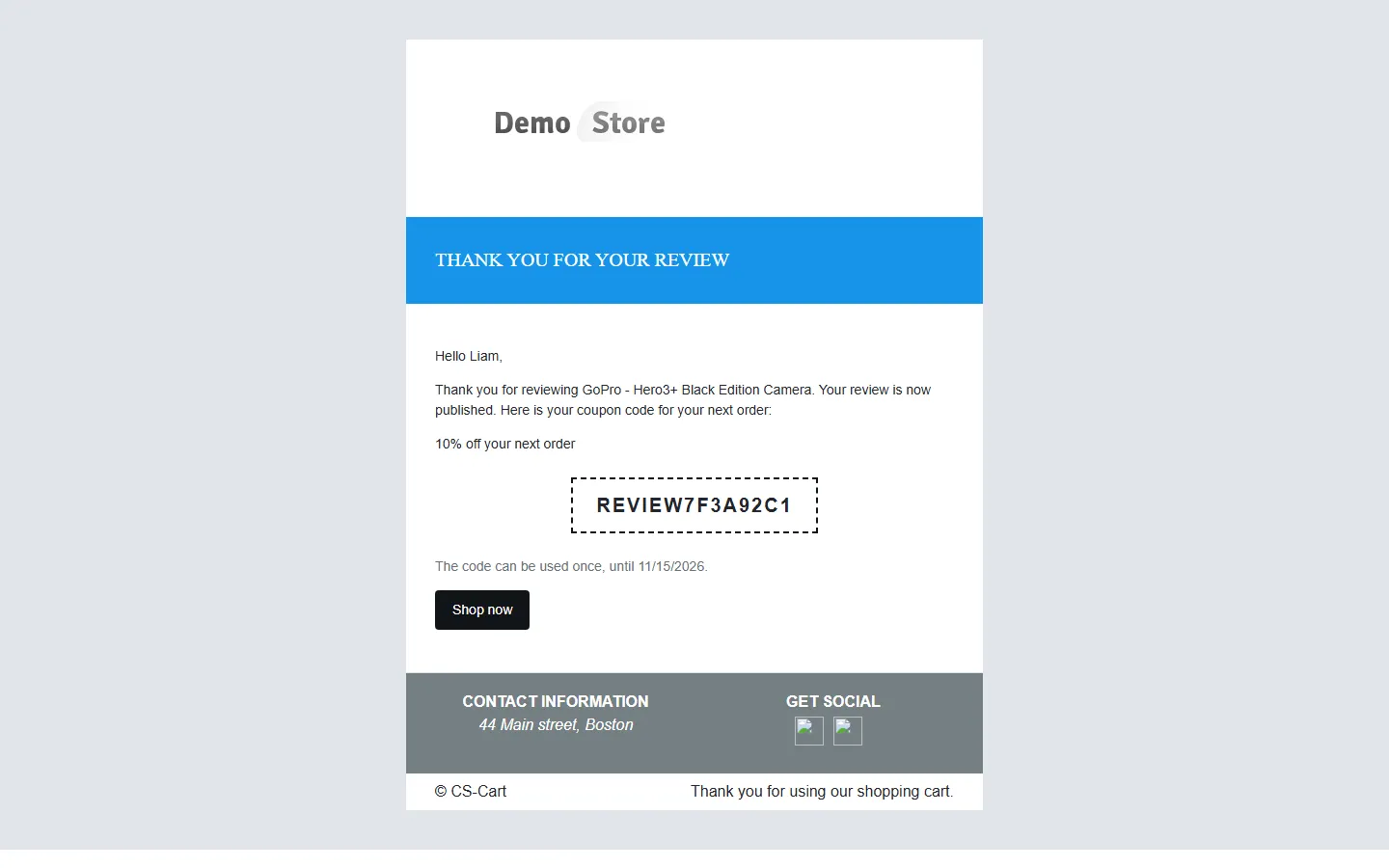
Reward e-mail with the single-use coupon code.